






All work 04 / 04 · Golf cart rental · Mobile app

Eagl

From the first tap to parking the cart.

A golf cart rental app for golf clubs in Norway. A golfer scans a cart’s QR code to ride right away, or books a cart ahead for a date and time, and pays a fixed price or by the minute.

Role
UI designer · every golfer-side screen, from the product owner’s flows and requirements
Scope
UI design · Interaction design · Shared components
Team
The product owner, a business analyst and the dev team
Platforms
iOS · Android
One design for both platforms
Timeline
About 2 months of design
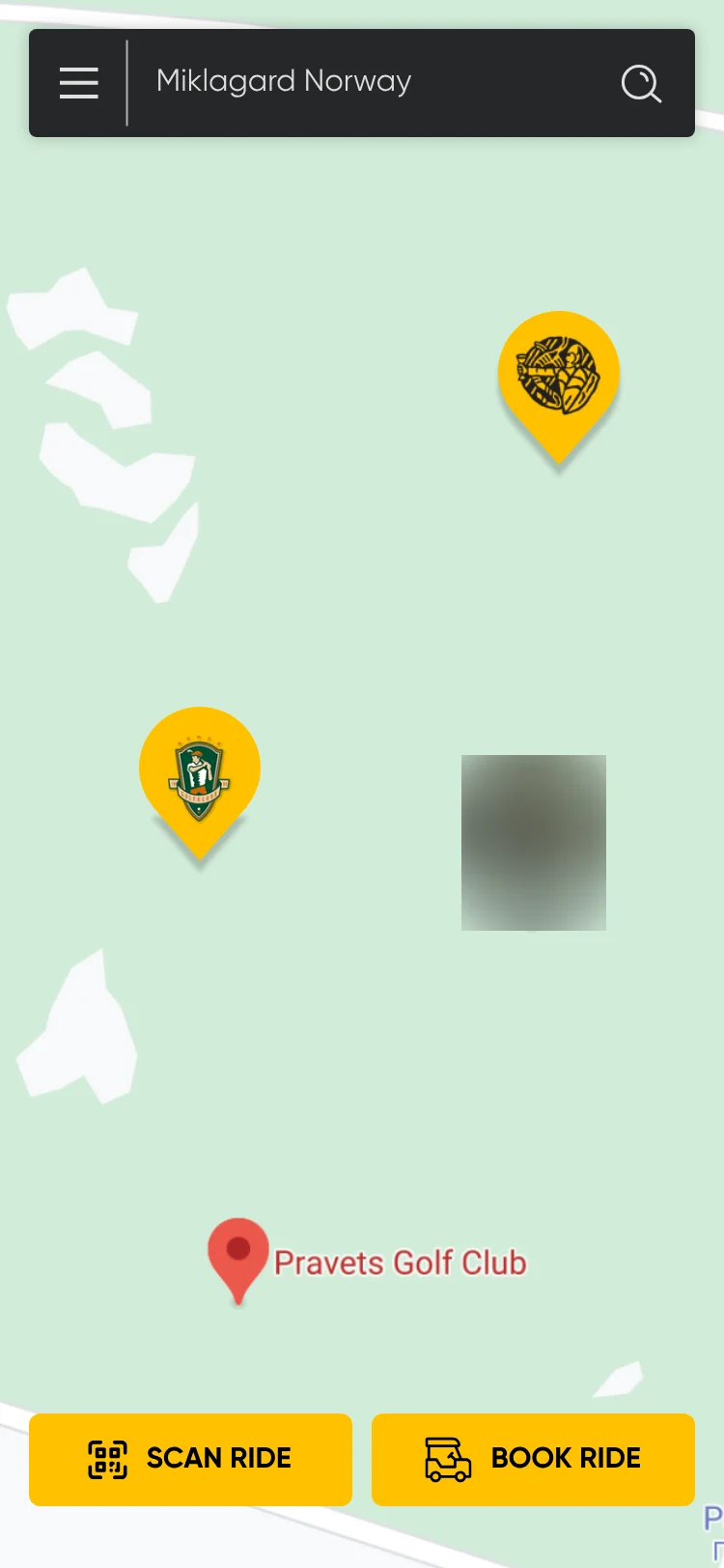
Home: a map with golf club pins and a search bar reading Miklagard Norway, with Scan ride and Book ride buttons. The Eagl logo pin is blurred.
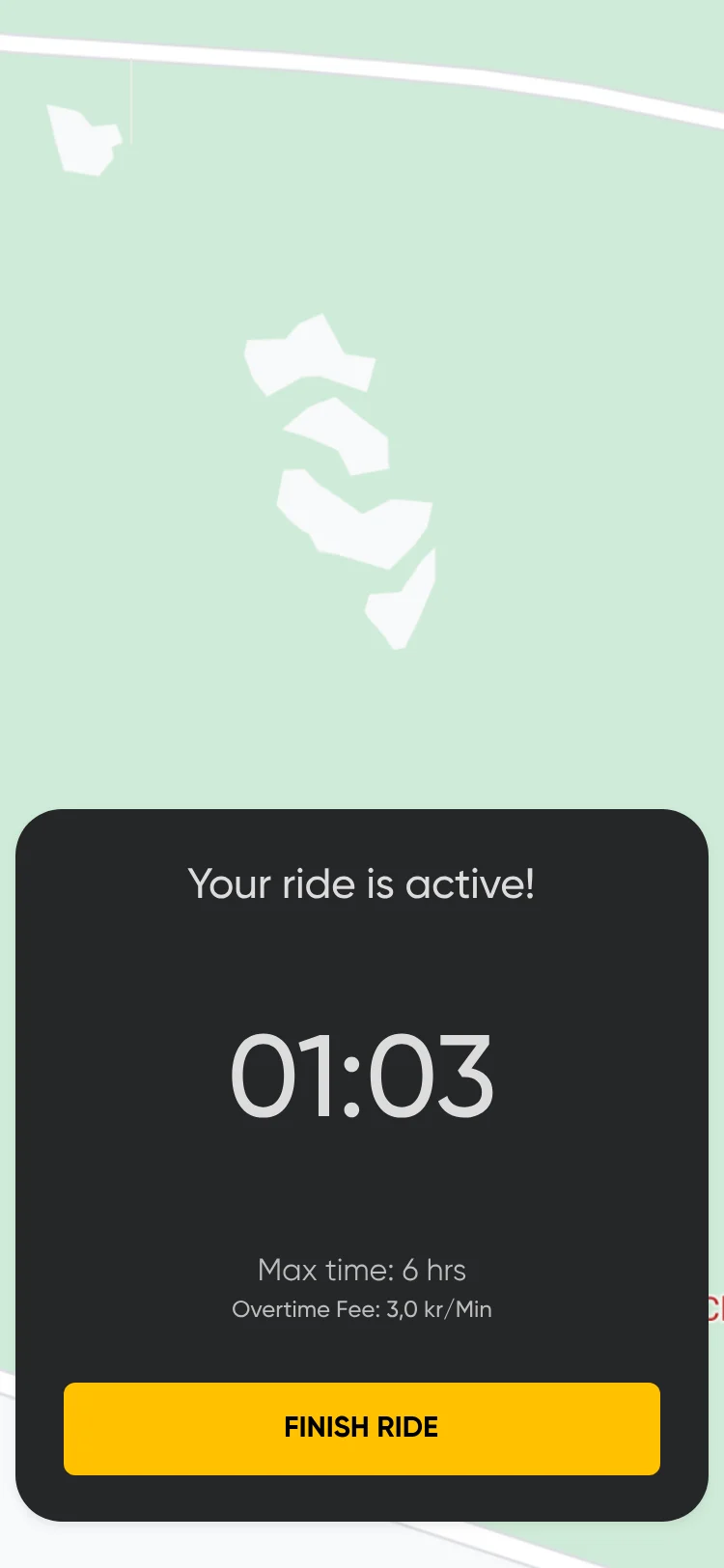
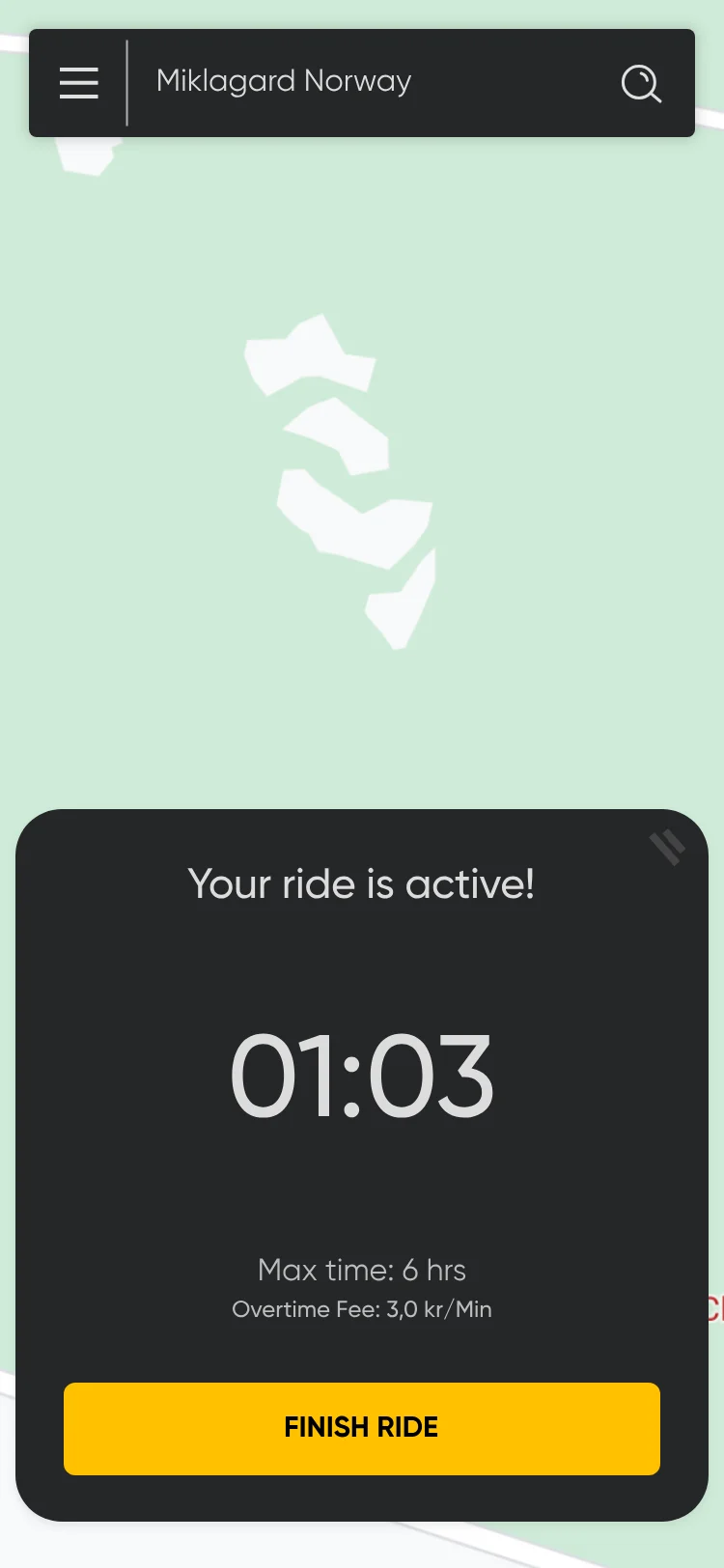
Fixed-price ride timer in a sheet over the map: Your ride is active, 01:03, max time 6 hrs, overtime fee 3,0 kr/min, and a Finish ride button.
  1. My roleUI designer: every golfer-side screen.
  2. ProblemTurn product requirements into a golfer-side app that works outdoors, between holes.
  3. ApproachRequirement-to-UI decisions, large targets, and rules before commitment.
  4. OutcomeLive on iOS and Android.
Jump to decisions

00:01 The product

Two ways to ride, two ways to pay.

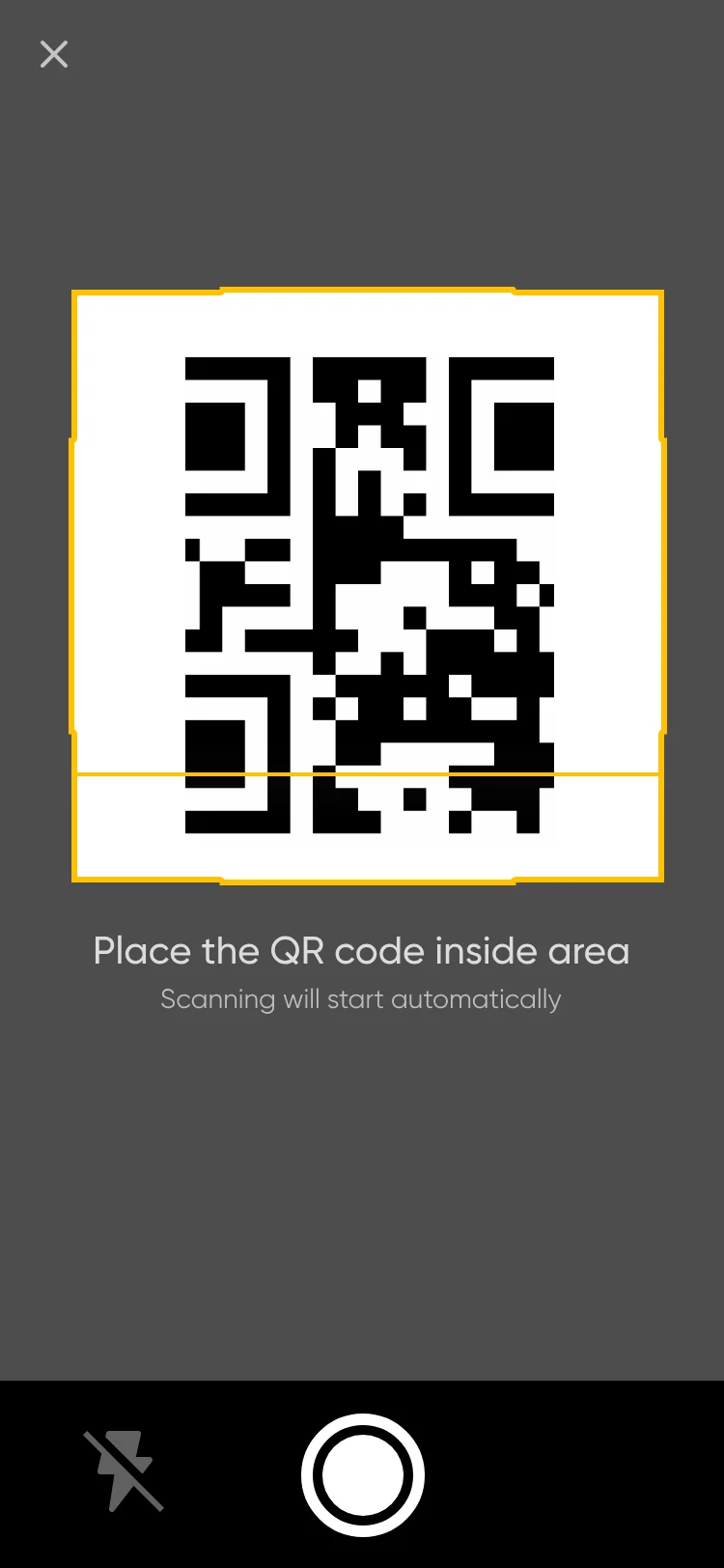
Scan cart: a QR code inside a yellow frame, with the line Place the QR code inside area and a camera button.

Scan nowScan the cart’s QR code and ride right away.

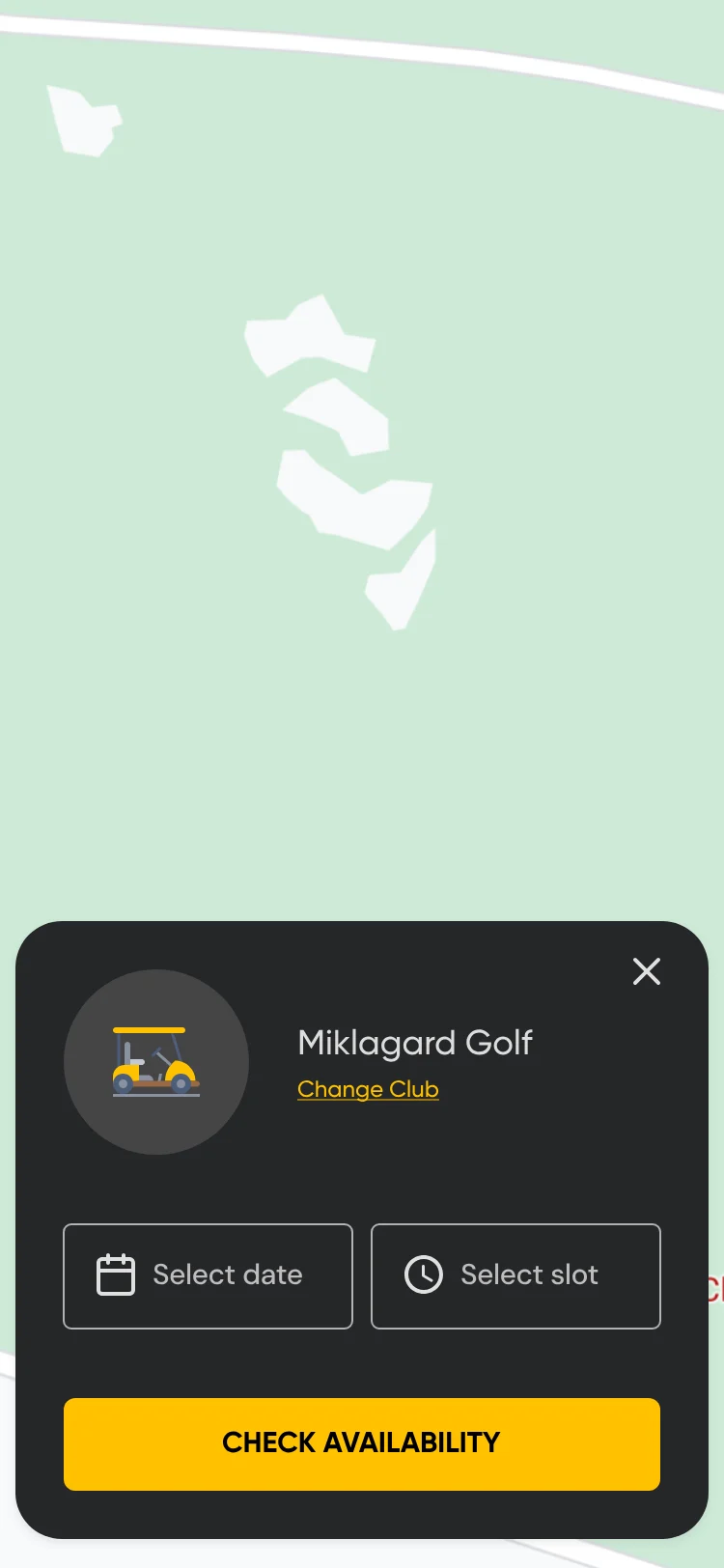
Booking sheet over the map: Miklagard Golf, Change Club, Select date and Select slot fields and a Check availability button.

Book aheadPick a club, a date and a time.

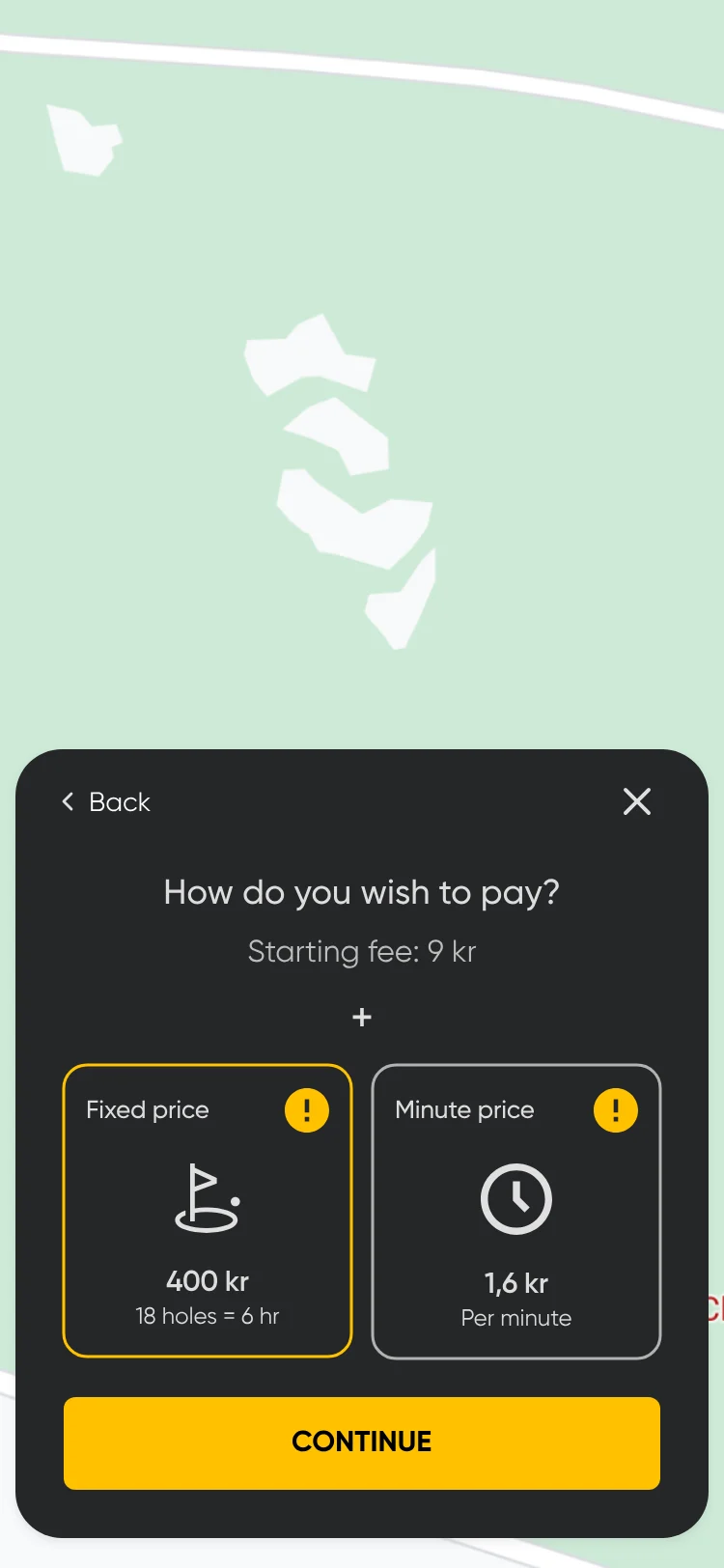
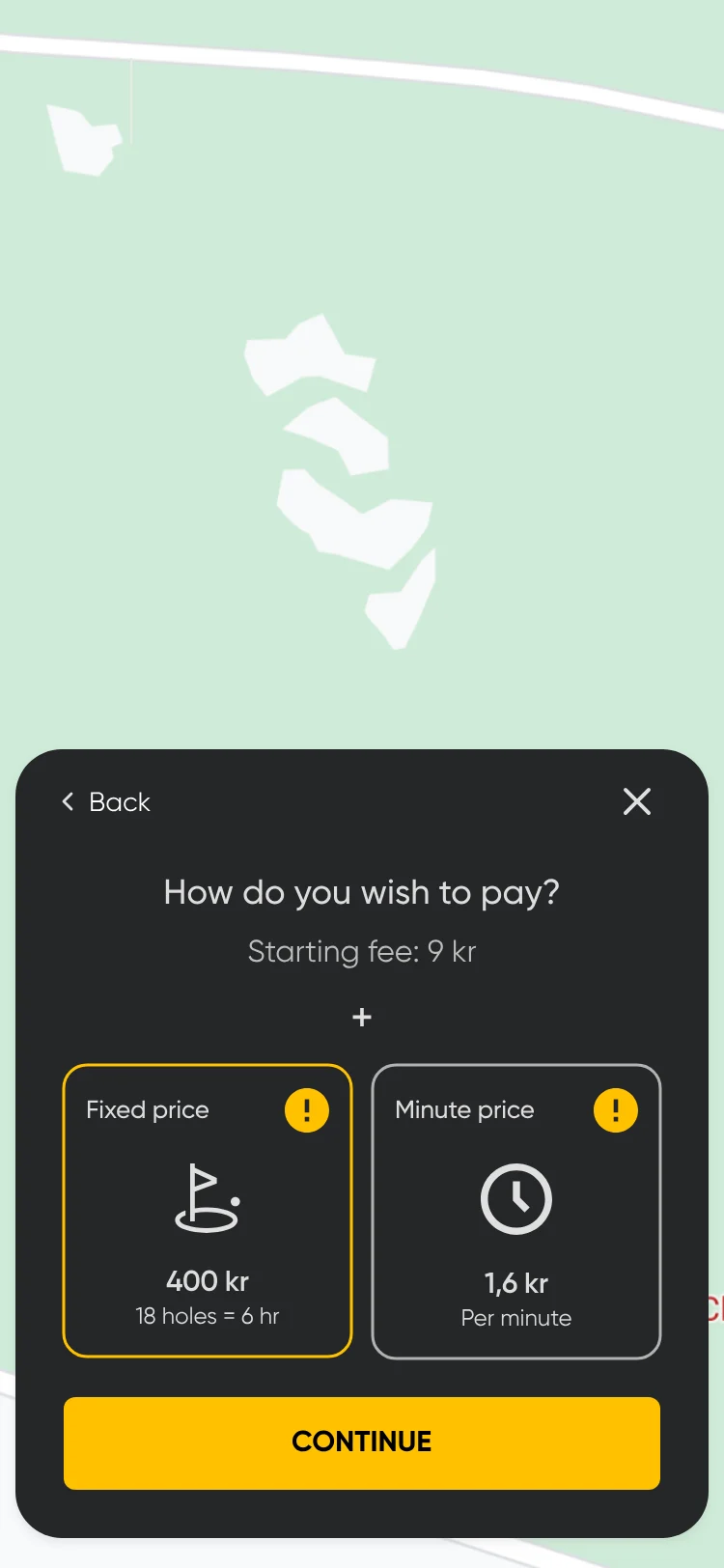
How do you wish to pay? Starting fee 9 kr, plus two cards: Fixed price, 18 holes = 6 hr, 400 kr; and Minute price, per minute, 1,6 kr.

Fixed price or per minute18 holes = 6 hr for 400 kr, or 1,6 kr per minute, after a 9 kr starting fee.

All prices are in Norwegian kroner (kr).

00:02 Visual direction

Light first, then dark.

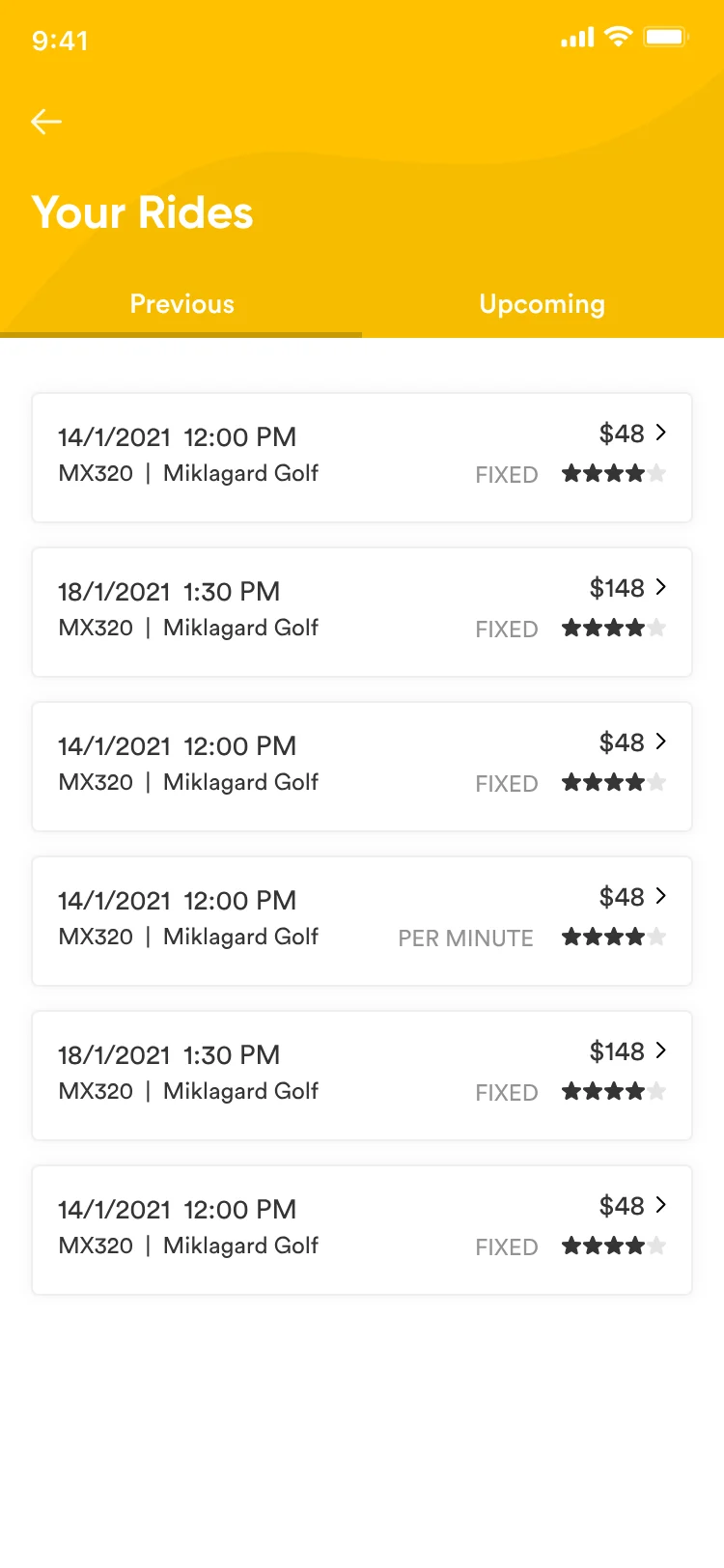
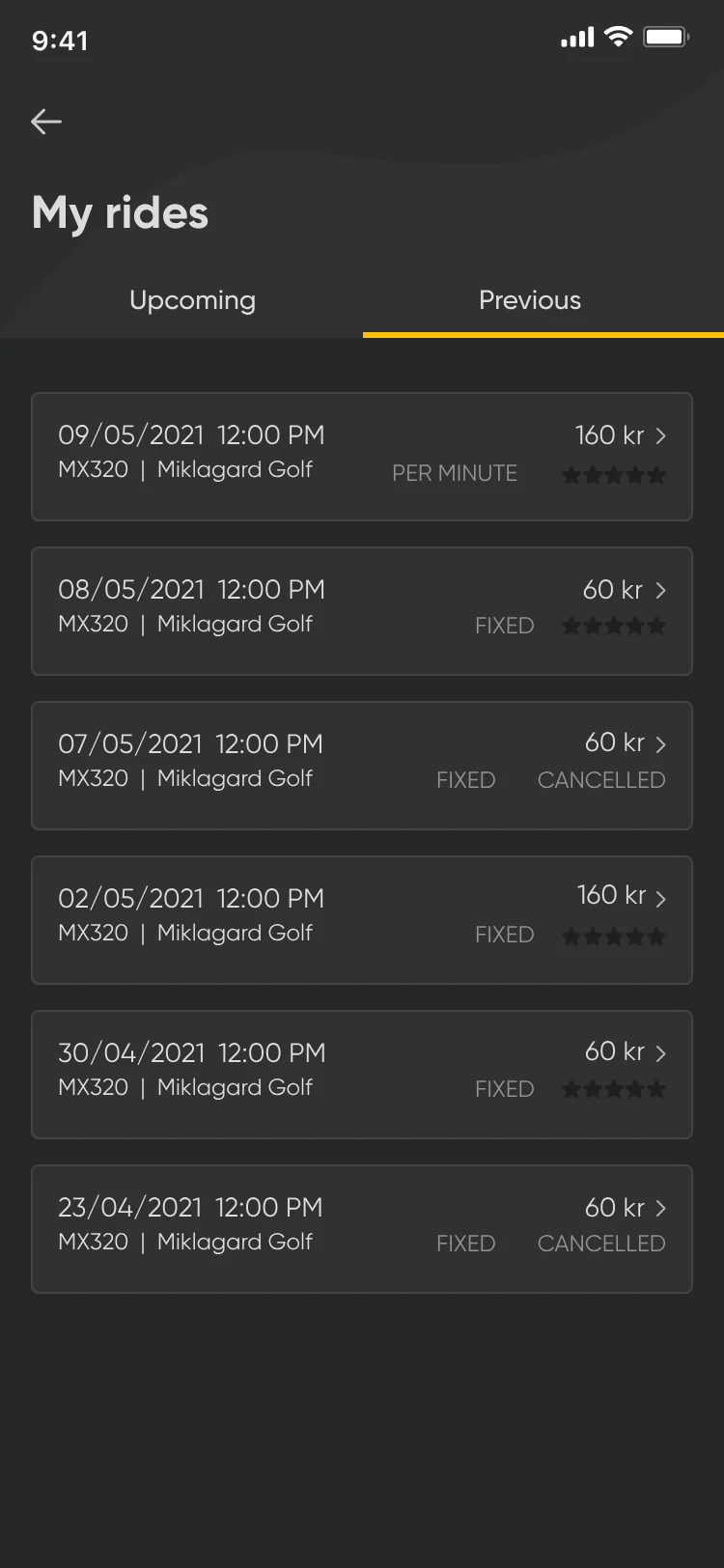
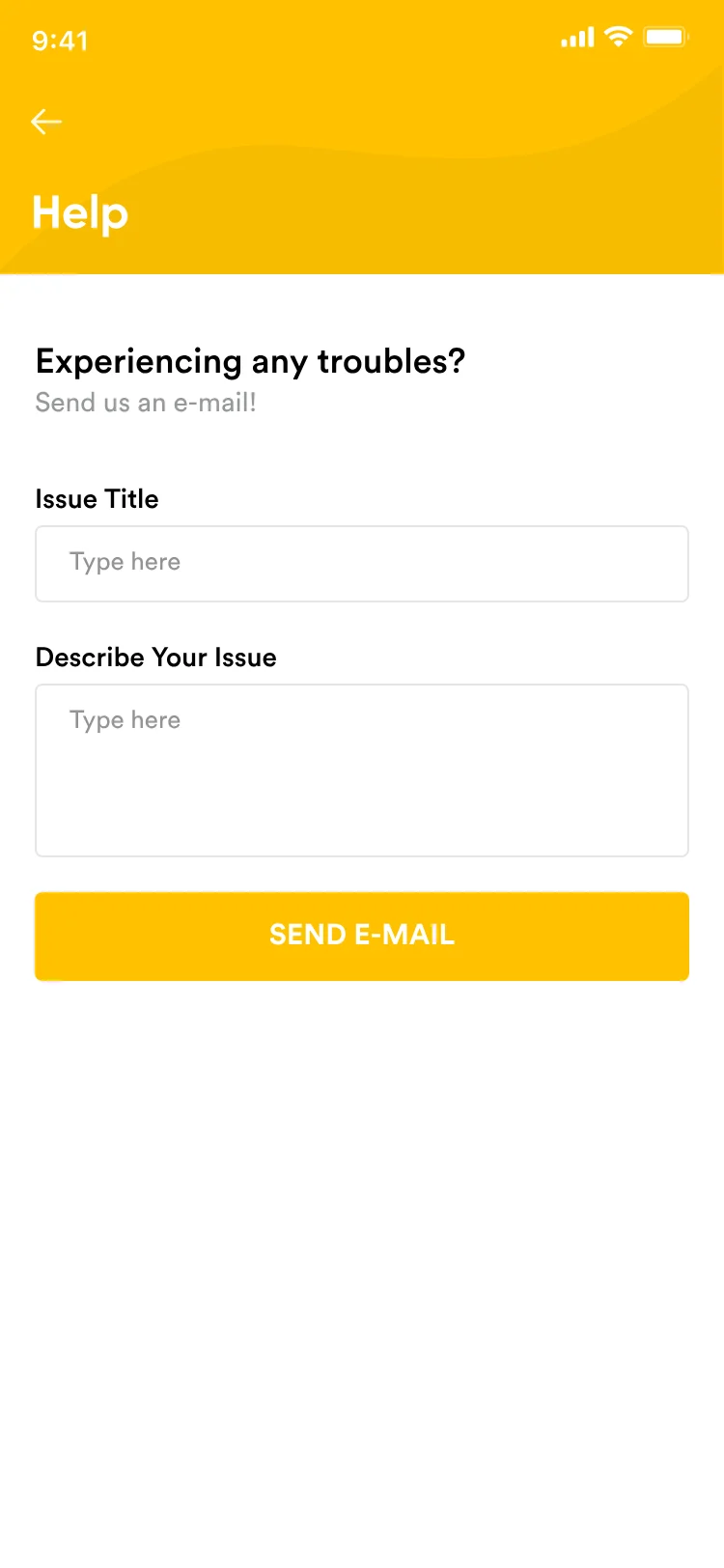
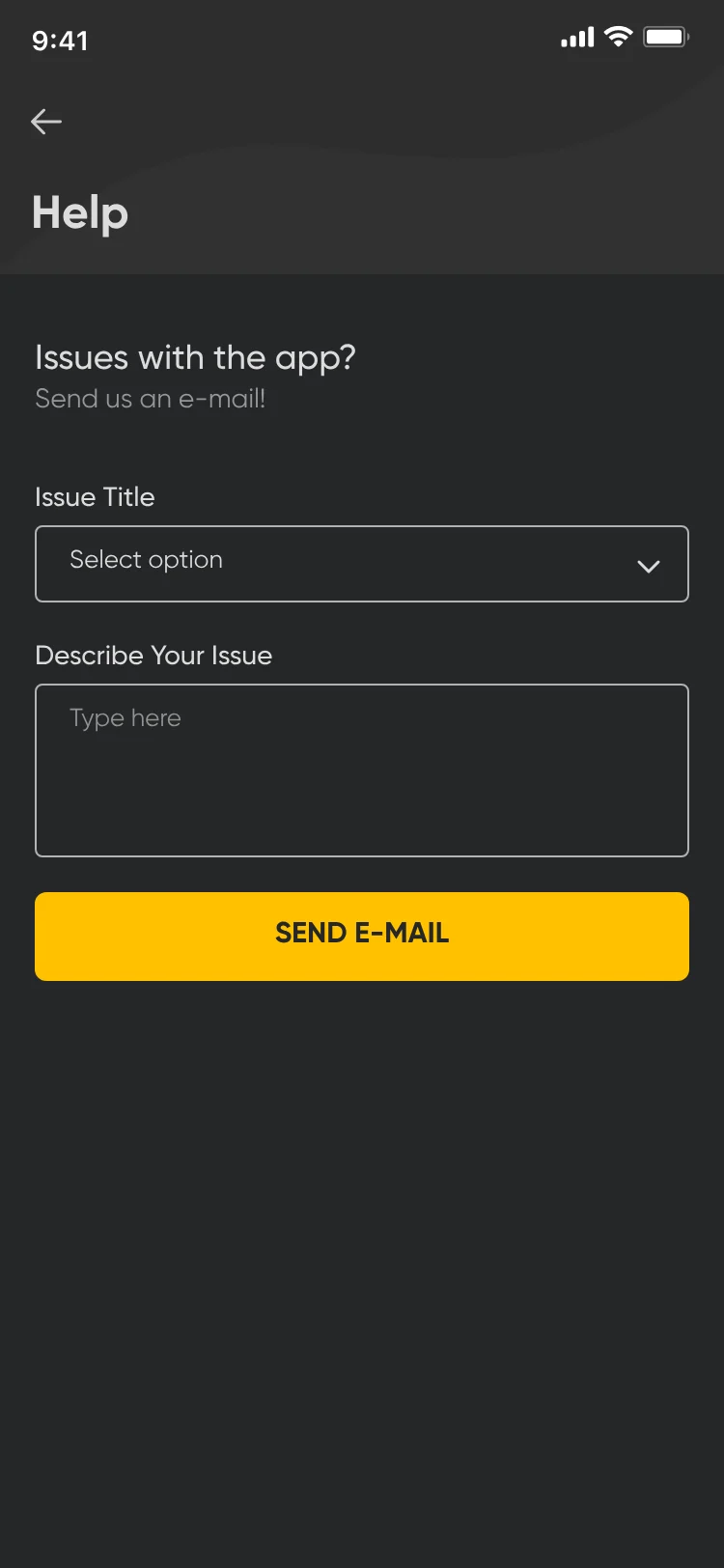
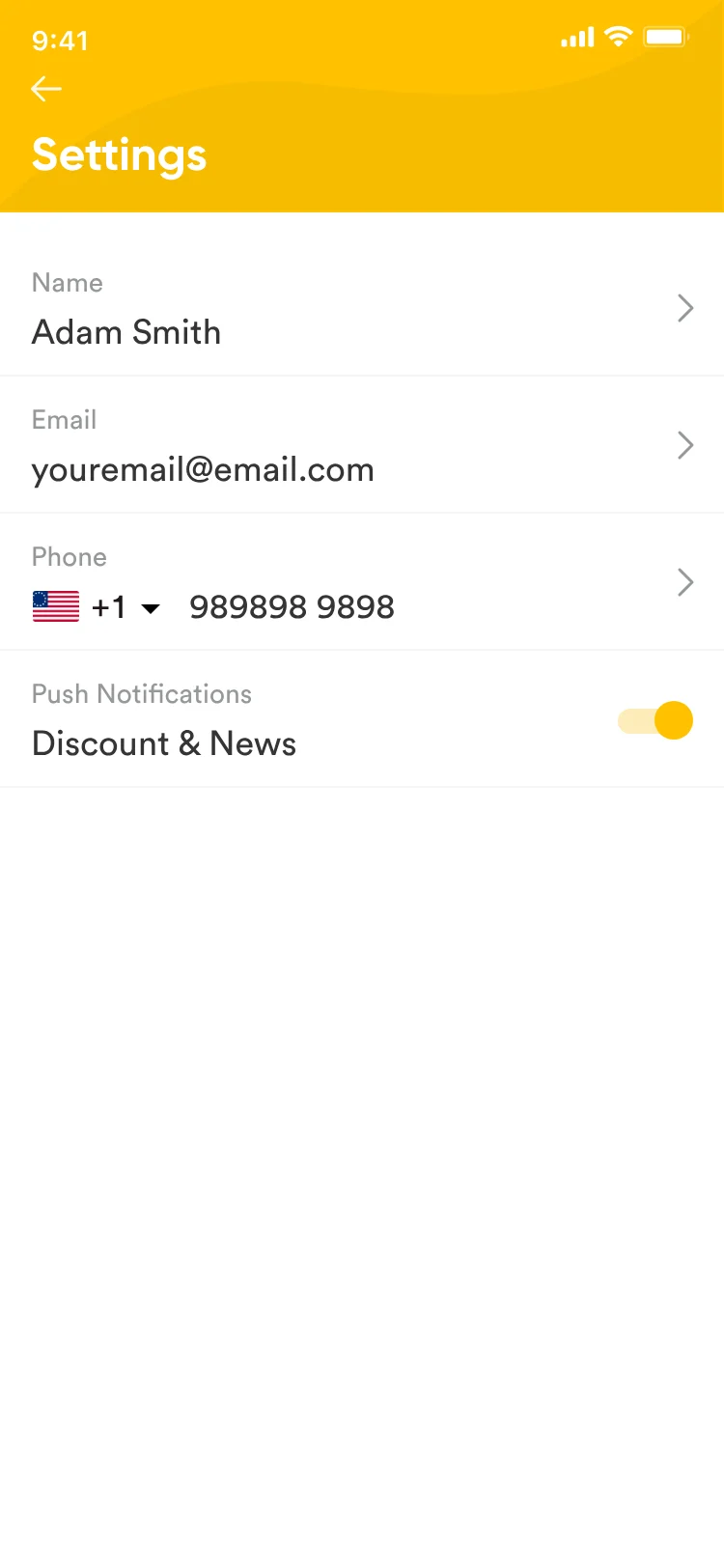
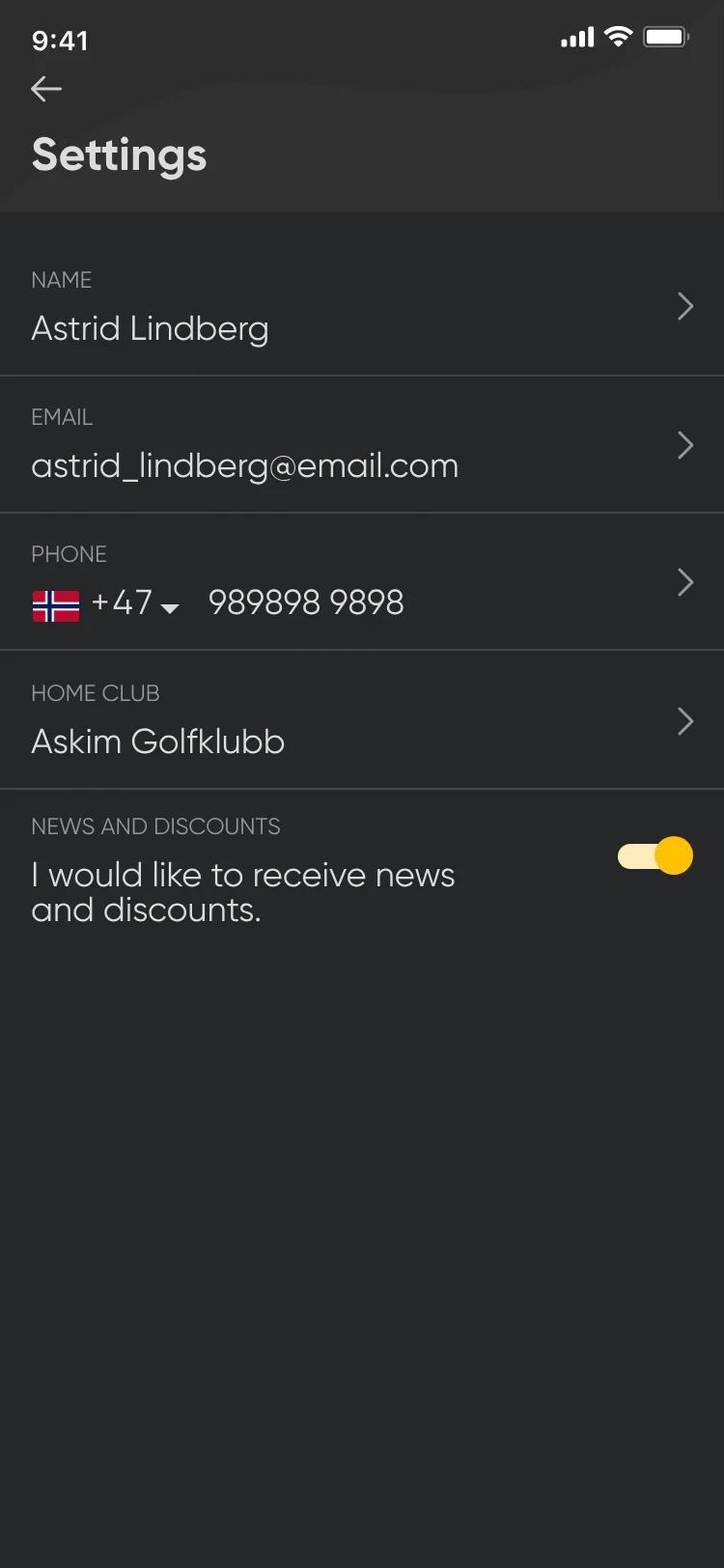
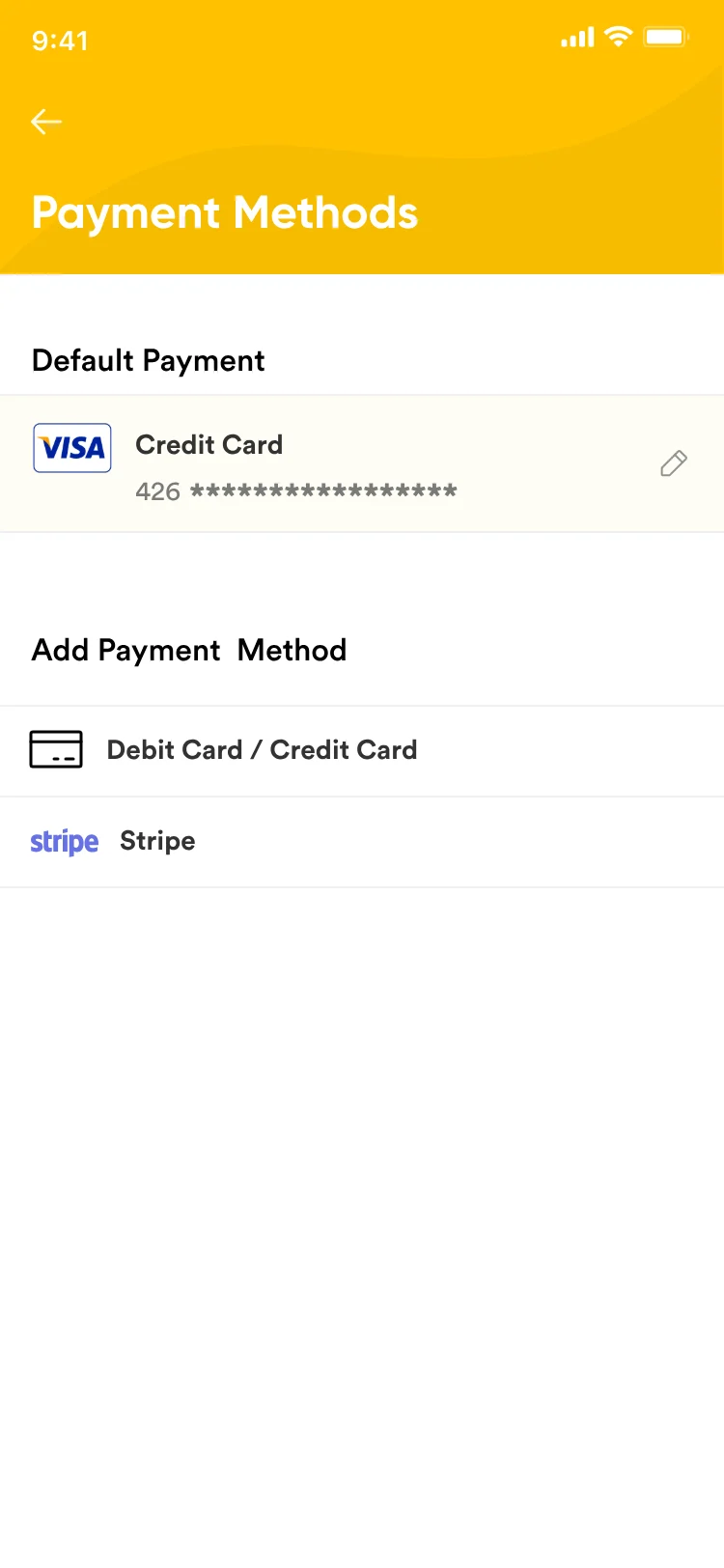
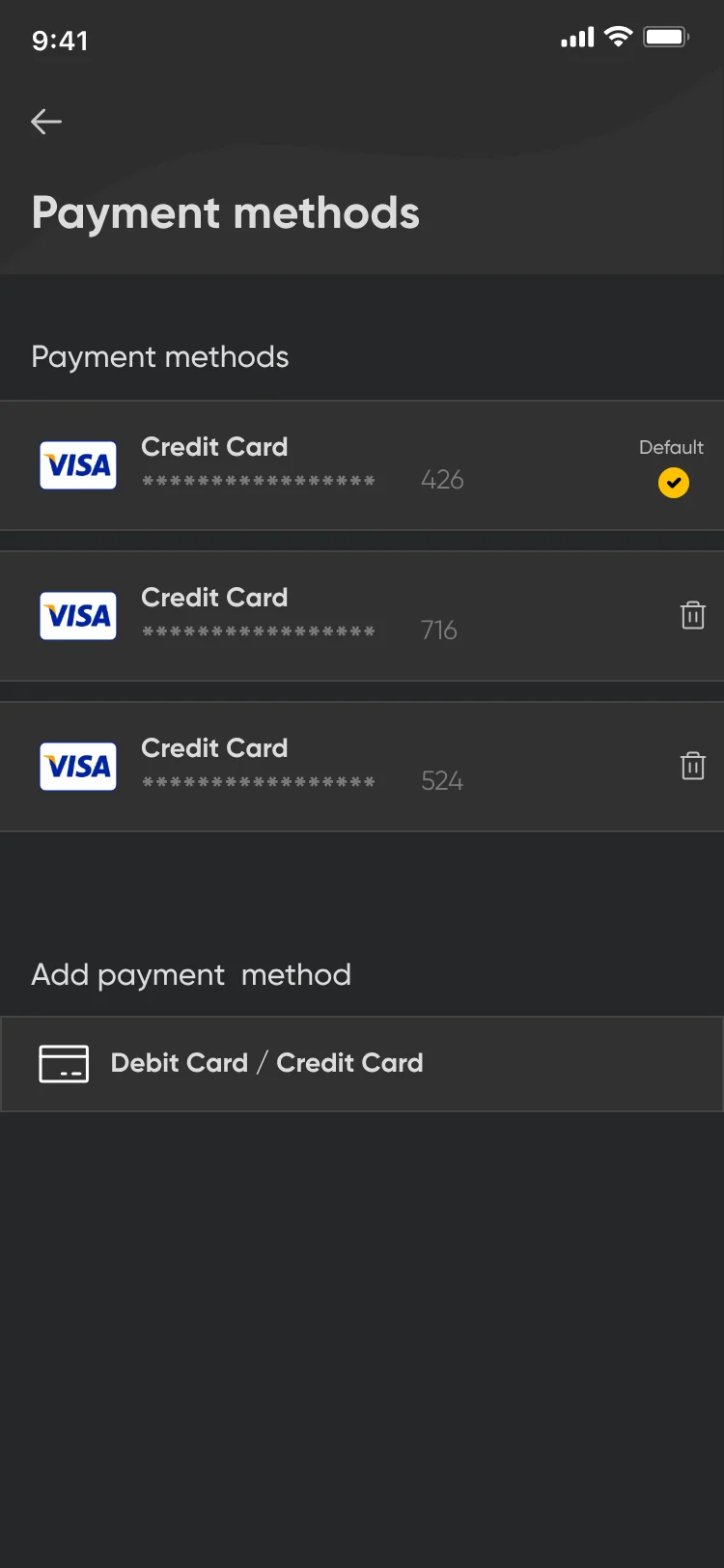
The early design used light screens with yellow headers, in the client’s brand colors. The client later decided to move to a dark design. The brand yellow stayed as the accent.

Ride history

Early light design: Your Rides with a yellow header, Previous and Upcoming tabs and a list of rides.
Early
Final dark design: My rides, Previous tab, a list of rides with price, Fixed or Per minute and a star rating.
Final

Help

Early light design: Help with a yellow header, issue title and description fields and Send e-mail.
Early
Final dark design: Help, Issues with the app, an issue title menu, a description field and Send e-mail.
Final

Settings

Early light design: Settings with a yellow header: name, email, phone and a push notifications toggle.
Early
Final dark design: Settings: name Astrid Lindberg, email, phone with +47, home club Askim Golfklubb and a news and discounts toggle.
Final

Payment methods

Early light design: Payment Methods with a yellow header, a default credit card, and Add payment method options.
Early
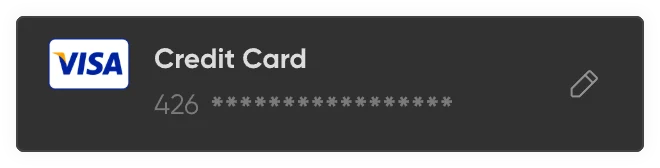
Final dark design: Payment methods with three Visa cards, one marked Default, and Debit Card / Credit Card to add another.
Final

The pieces behind every screen

What each colour means

  • Yellow#FFC200Primary actions and the active ride
  • Red#EB5757Overtime and expired rides
  • Green#67D933Unlocked and success
  • Grey#939393Cancelled rides and secondary actions

Accessibility

No state relies on colour alone: overtime also says “Overtime”, and every ride status has a text label.

Buttons

Primary button
Primary button component
Secondary button
Secondary button component
Home actions
Home actions component
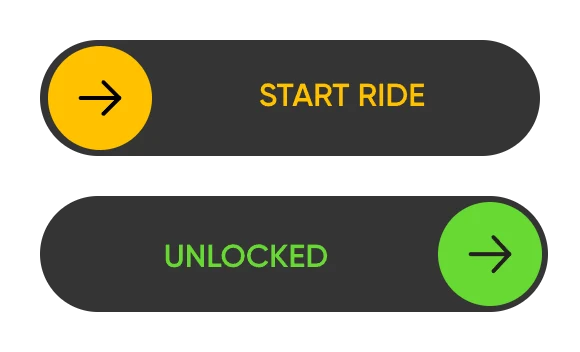
Swipe to startStart ride → Unlocked
Swipe to start component

Inputs

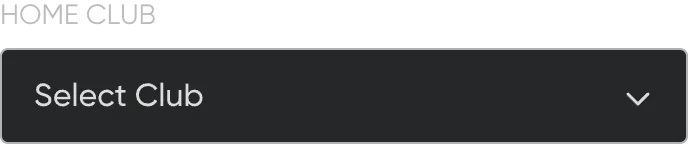
Labelled dropdown
Labelled dropdown component
Date field
Date field component
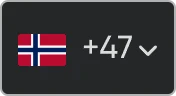
Country code picker
Country code picker component
Search bar
Search bar component
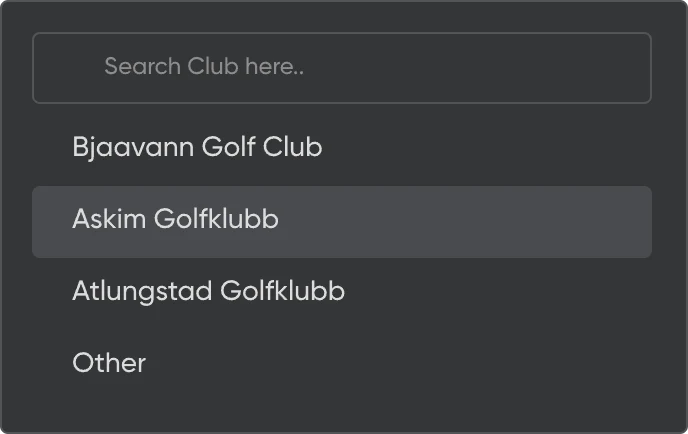
Search resultsOne row highlighted
Search results component

Selection

CheckboxOff, on
Checkbox component
Radio buttonOff, on
Radio button component

Cards and dialogs

Payment card
Payment card component
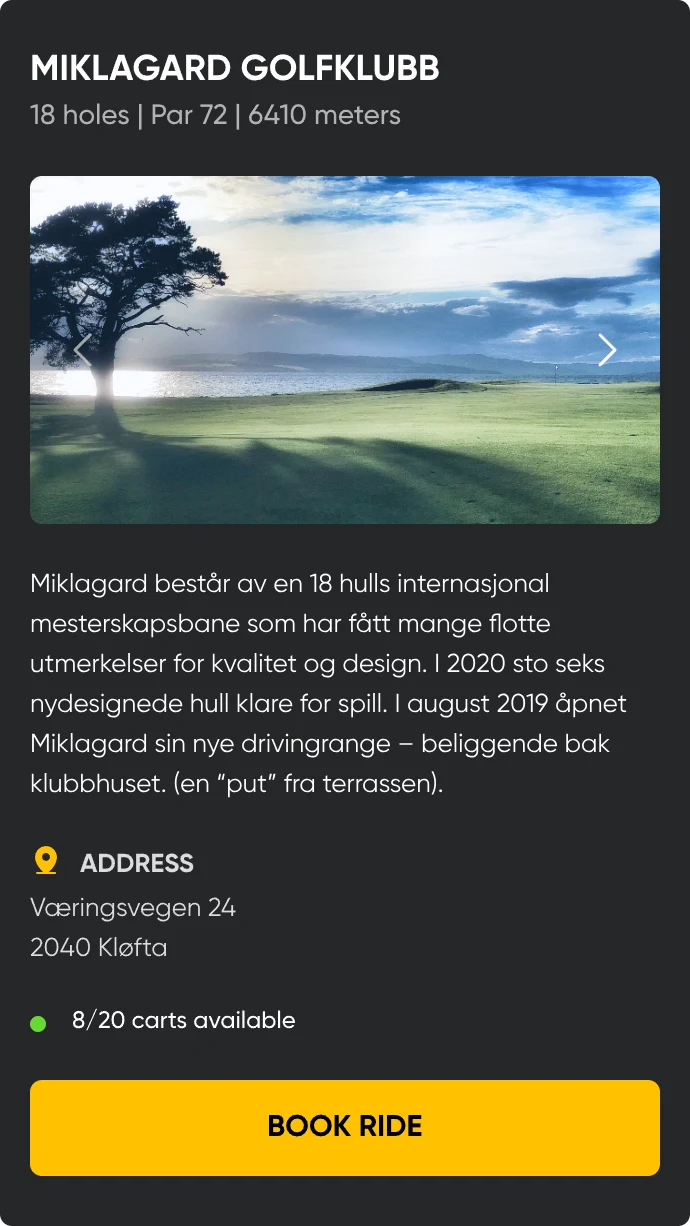
Club details card
Club details card component
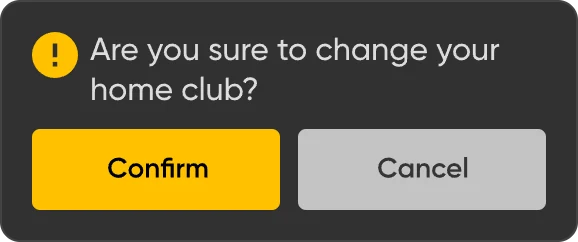
Alert dialog
Alert dialog component

A small set of shared components kept the golfer side consistent; there wasn’t a full design system.

00:03 The brief

Requirements in. Rough screens first.

The product owner provided the flows and documented the requirements for each screen. There were no wireframes, so the flows were worked out directly on screens.

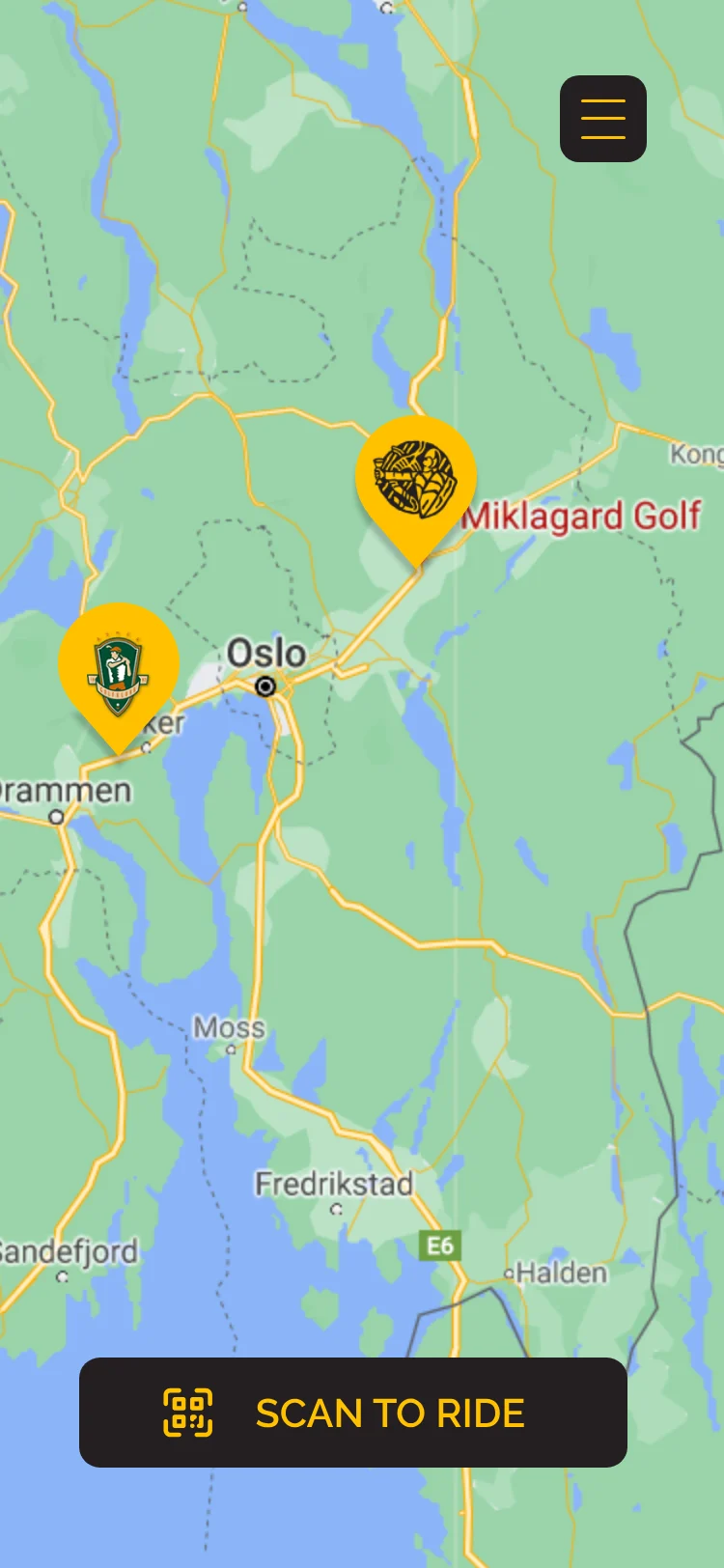
Rough screen: a full road map around Oslo with two golf club pins and a Scan to ride button.
Rough screen
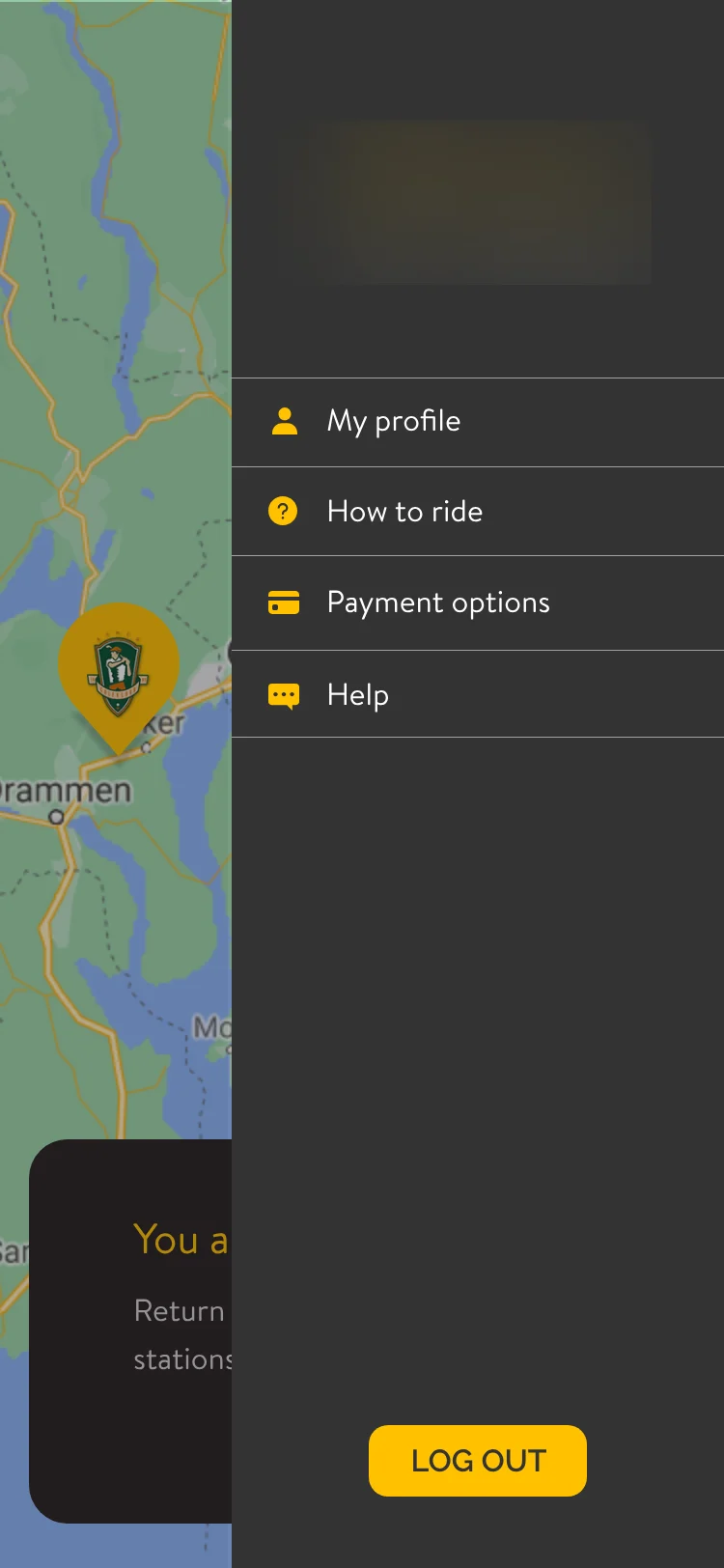
Rough screen: a side menu with My profile, How to ride, Payment options, Help and Log out. The logo is blurred.
Rough screen
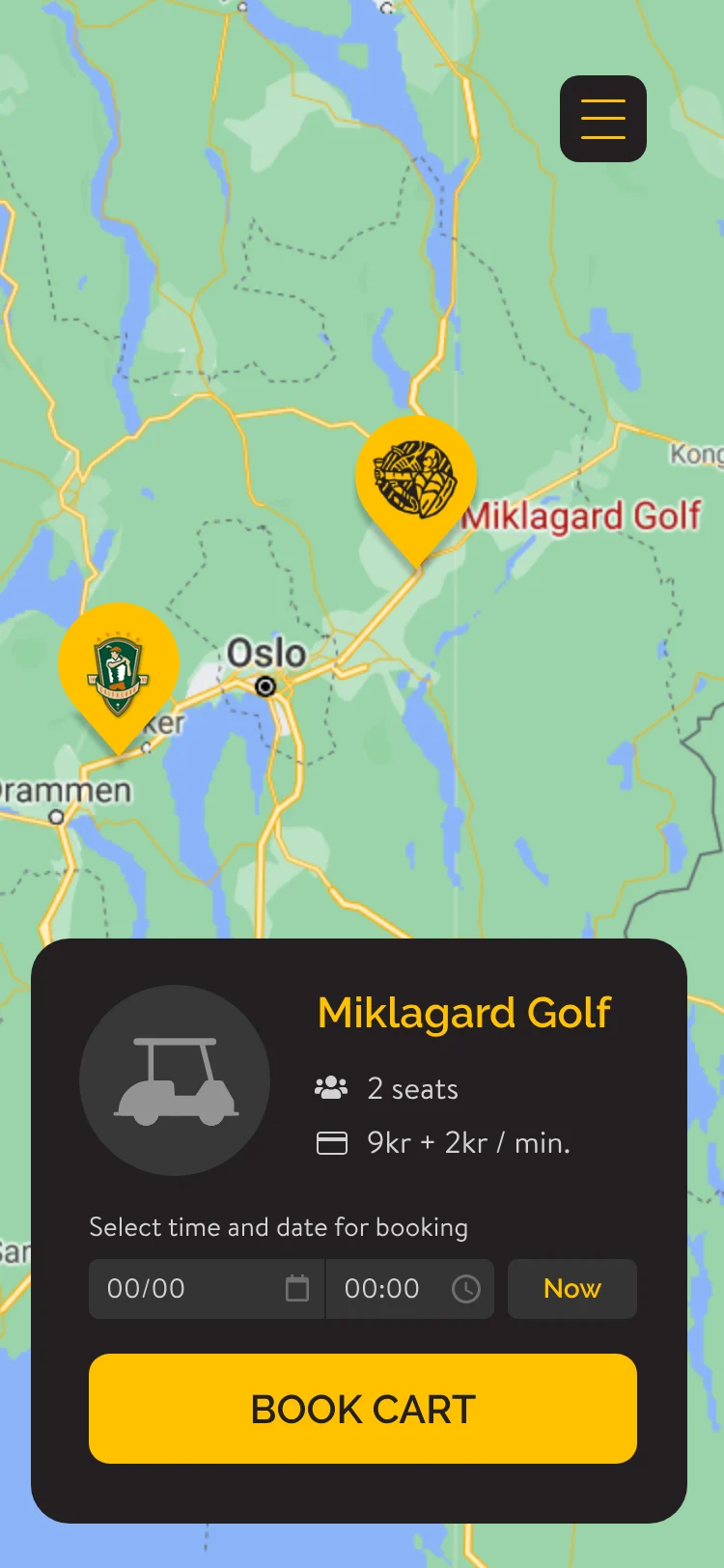
Rough screen: a booking card on the map for Miklagard Golf, 2 seats, 9 kr + 2 kr/min, date and time fields, Now and Book cart.
Rough screen
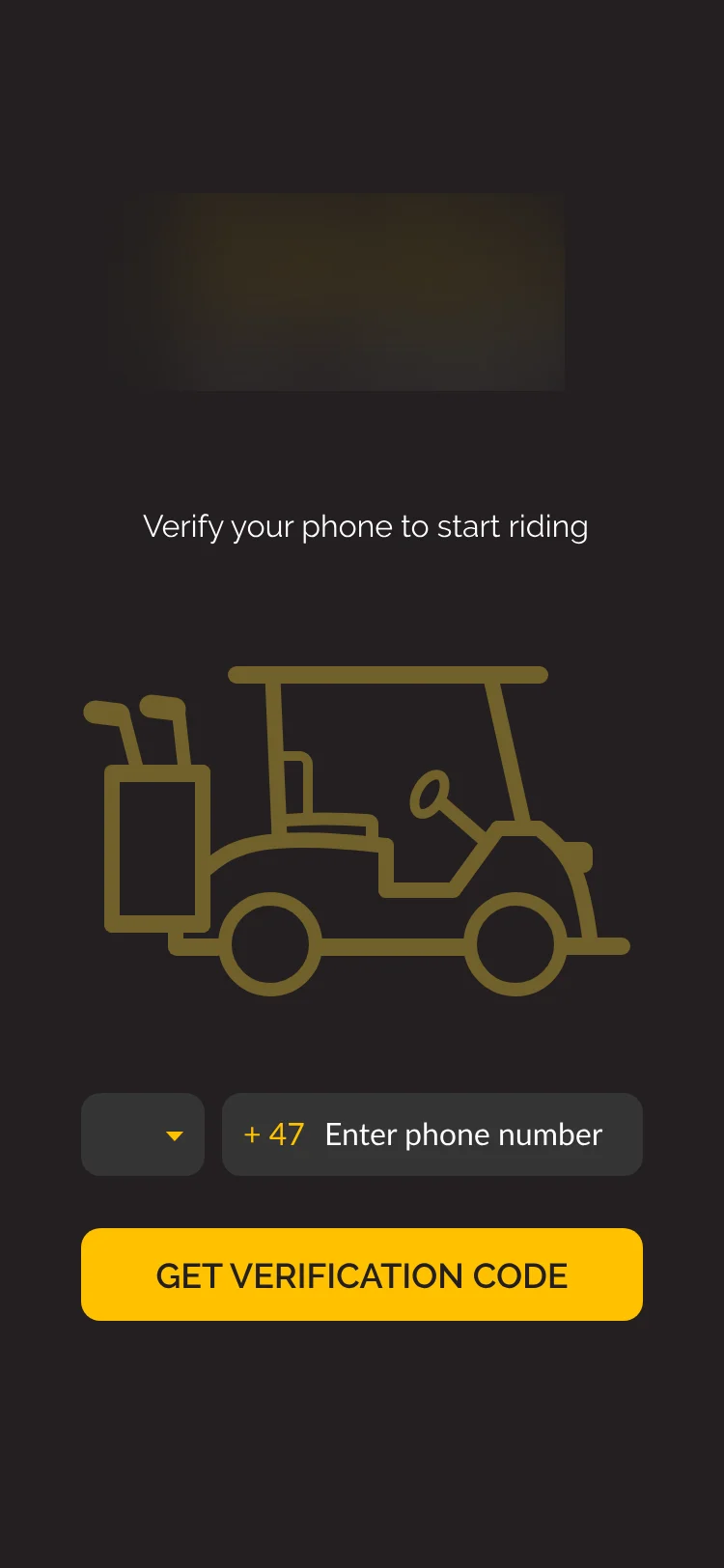
Rough screen: Verify your phone to start riding, a cart outline, a +47 phone field and Get verification code. The logo is blurred.
Rough screen

Early explorations, shown as they were, made once the dark direction was chosen. The logo is blurred. The map in these screens was a placeholder; the final design uses the map the client is licensed to use.

Context of use

Where it gets used

Booking happens before the round. Golfers use Eagl outdoors, often in bright sun, while moving between holes. On the course, they scan the cart’s QR code, swipe to start, check the timer and end the ride. Those moments use large yellow buttons, a large timer, and short sheets over the map.

00:04 UI decisions

Requirement in, UI decision out.

Seven places where a requirement from the product owner became a specific piece of UI.

Ride lifecycle

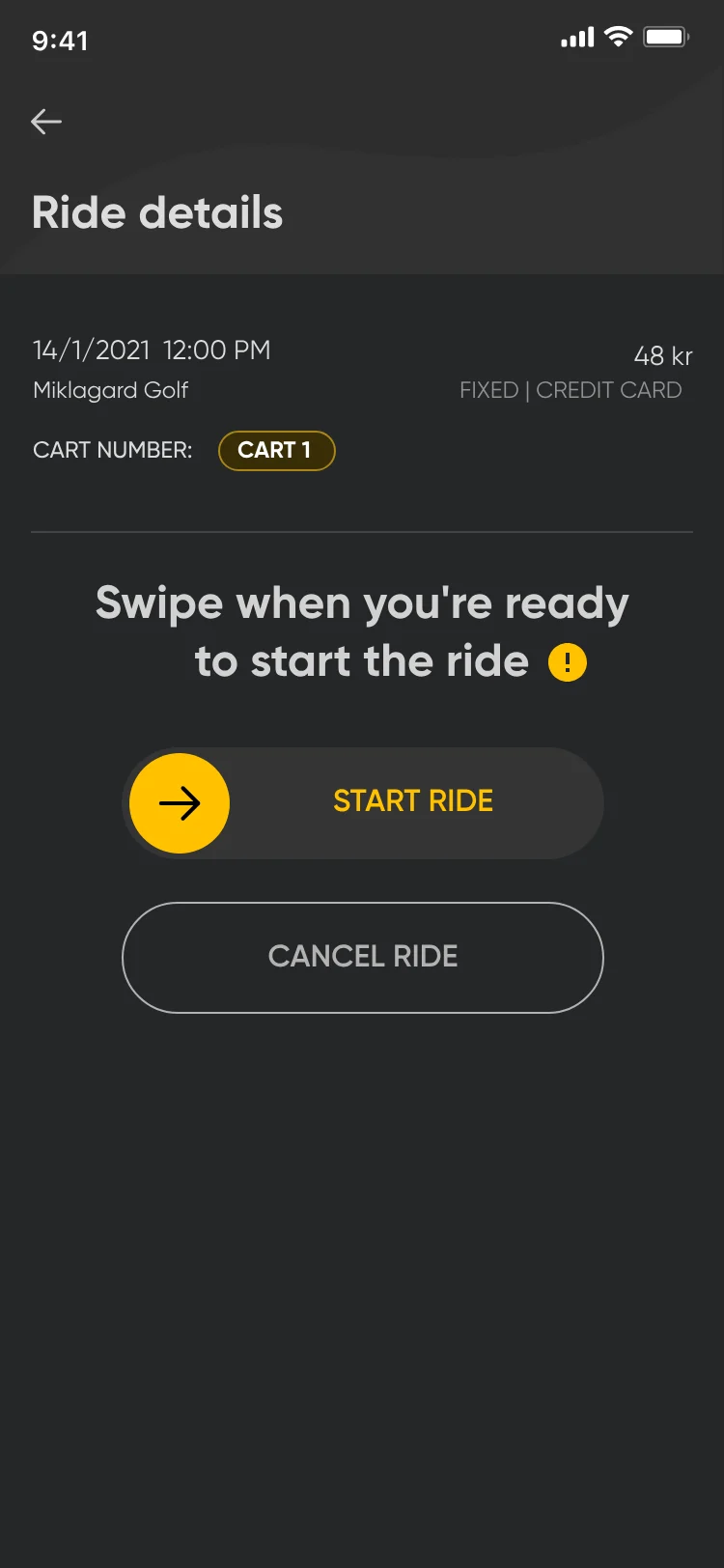
Ride details for a booked ride: Swipe when you're ready to start the ride, a swipe control reading Start ride, and Cancel ride.
Upcoming: swipe to start
Fixed-price ride timer in a sheet over the map: Your ride is active, 01:03, max time 6 hrs, overtime fee 3,0 kr/min, and a Finish ride button.
Active: timer
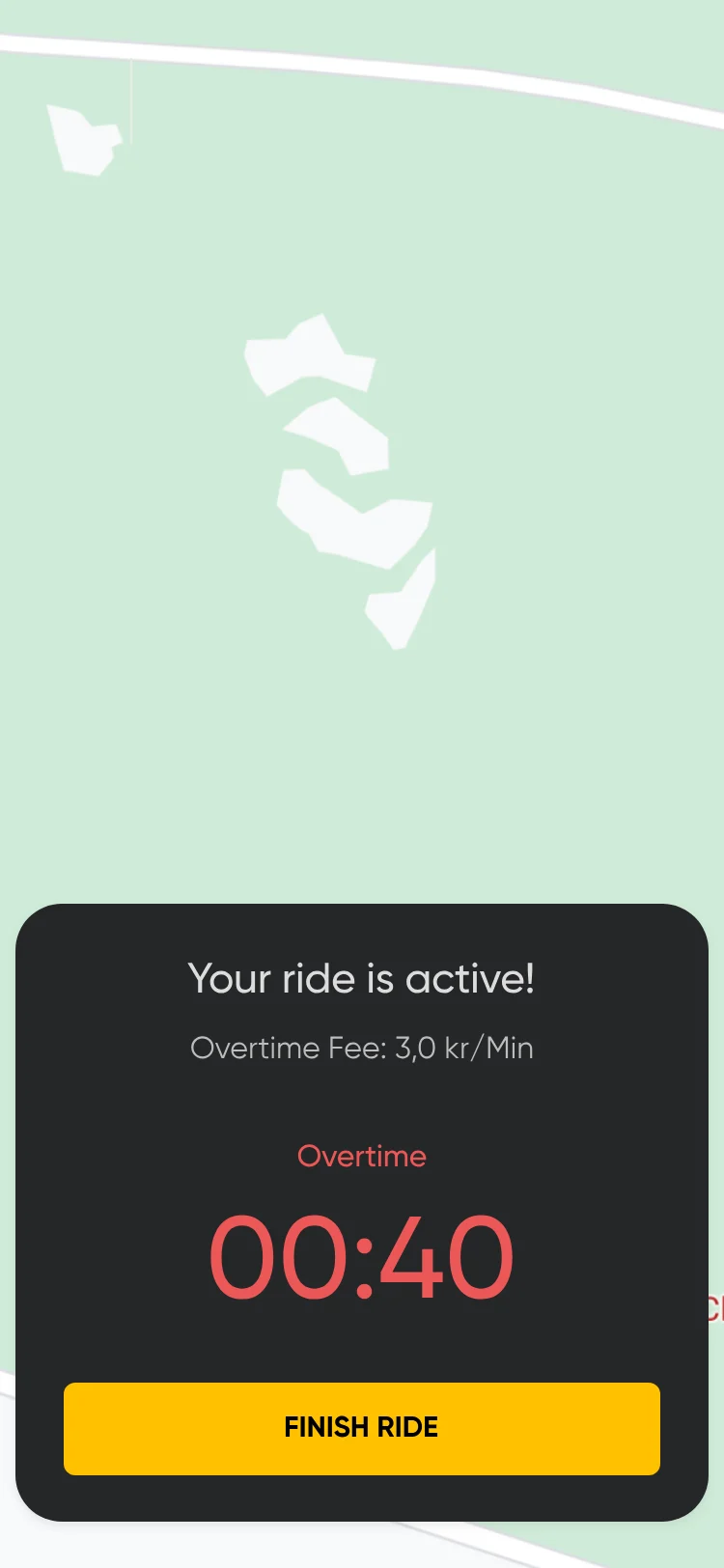
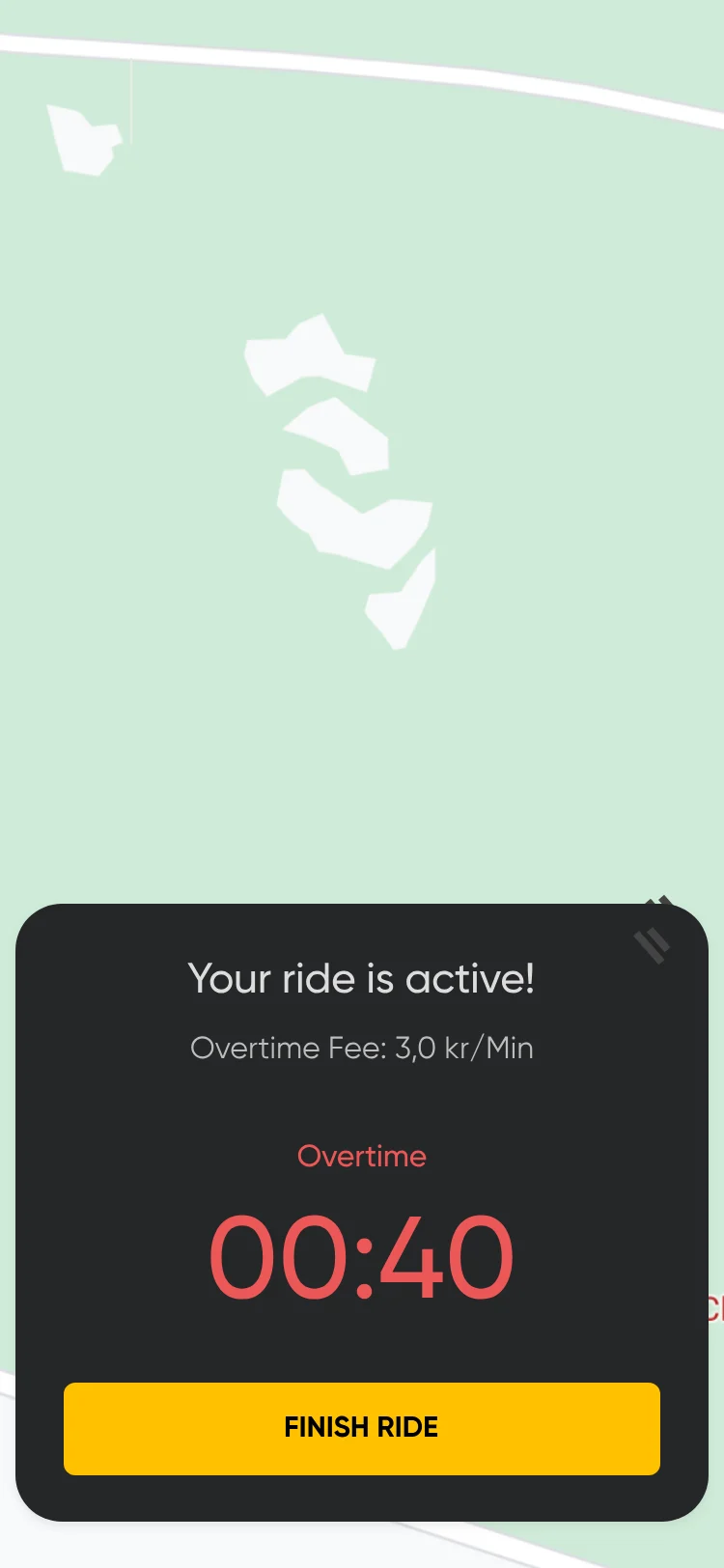
Fixed-price timer in overtime: Overtime in red, 00:40 in red, overtime fee 3,0 kr/min and Finish ride.
Overtime: red timer
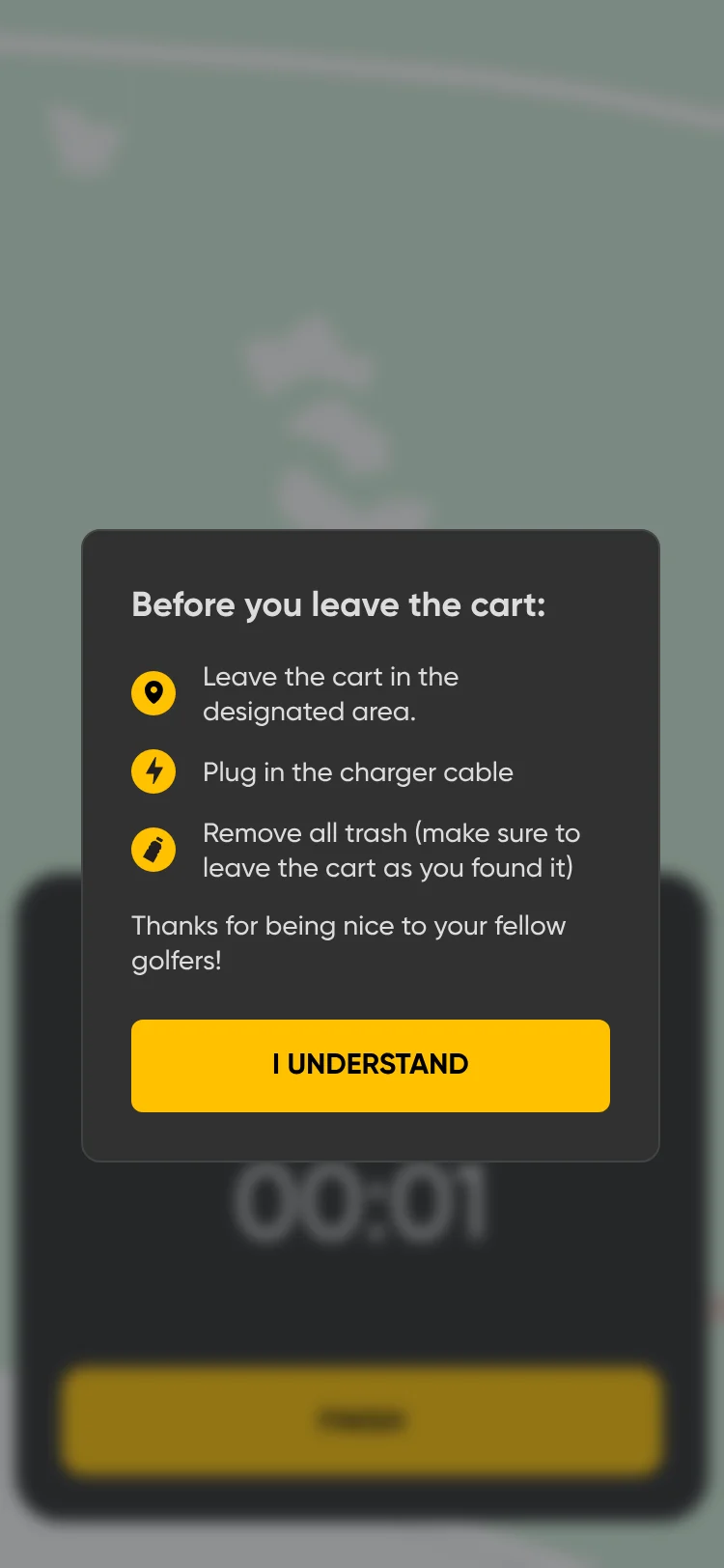
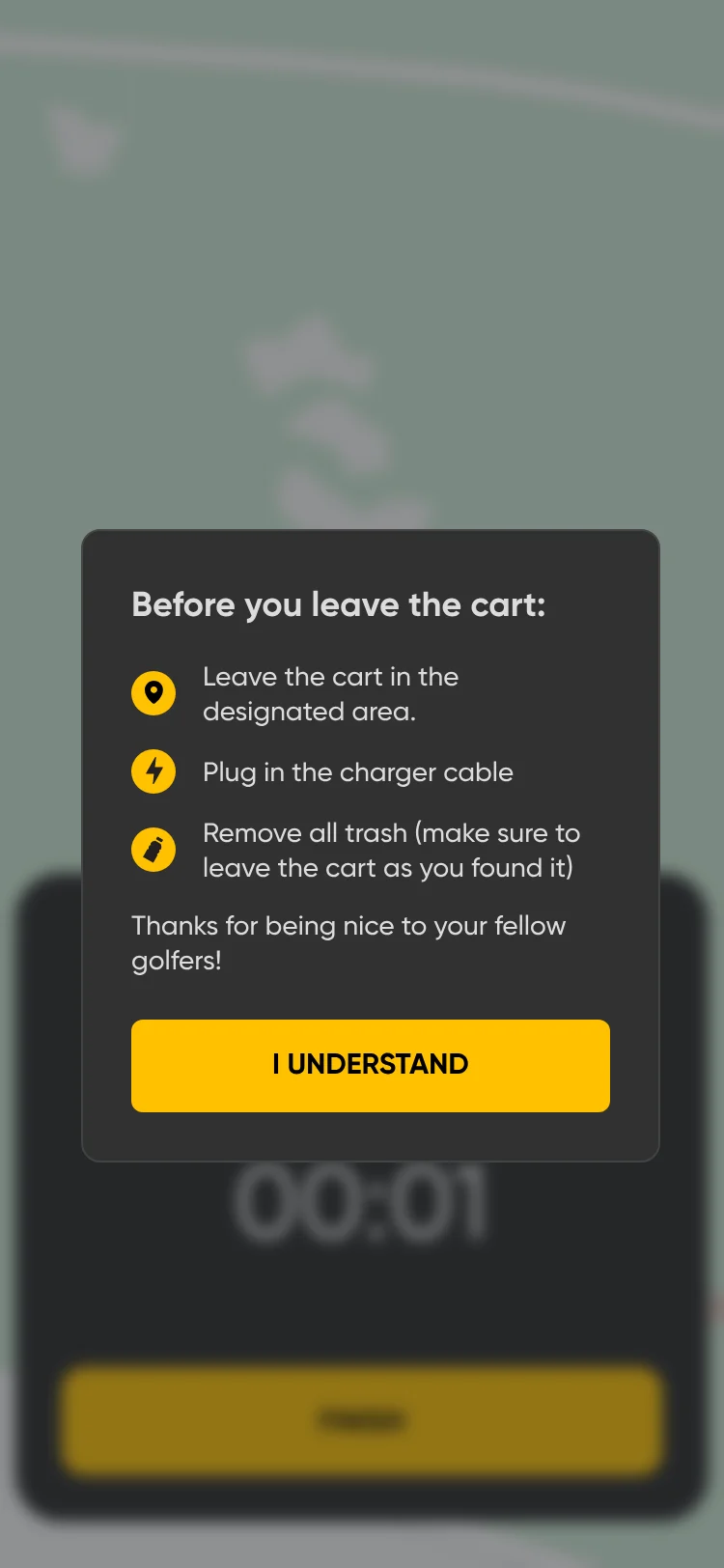
Before you leave the cart: leave the cart in the designated area, plug in the charger cable, remove all trash and leave the cart as you found it, and I understand.
Ended: before-you-leave checklist

From Upcoming, a ride can also end as

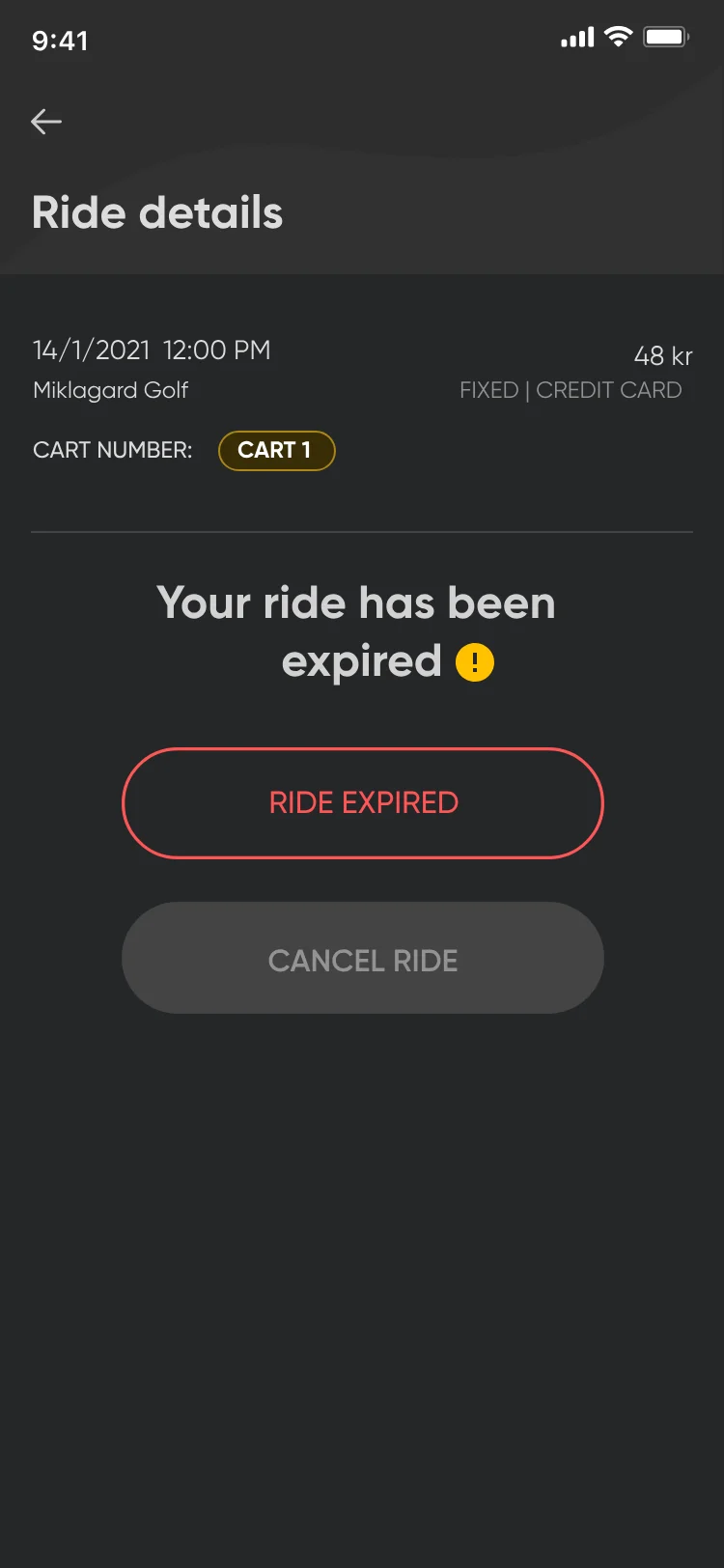
Ride details: Your ride has been expired, with a red Ride expired label and a disabled Cancel ride button.
Expired
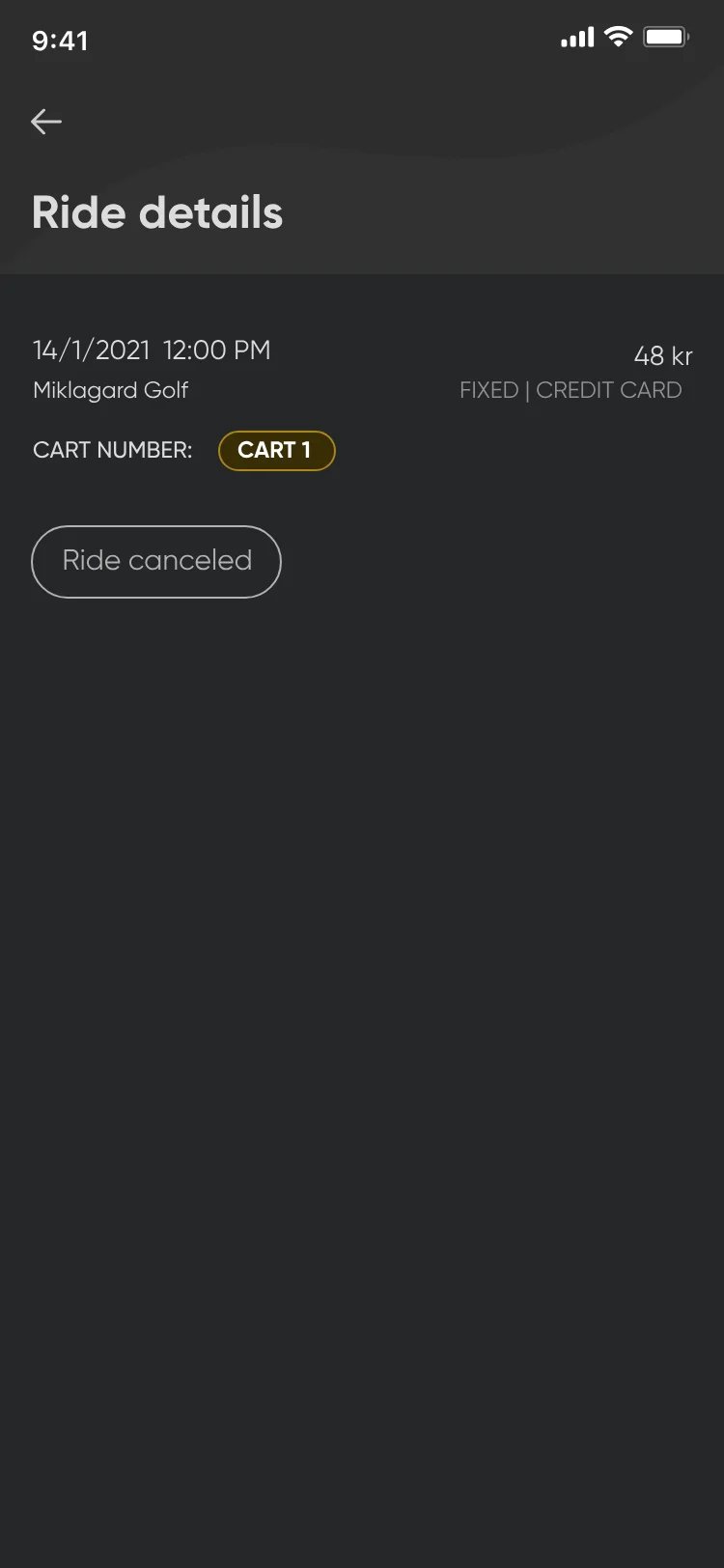
Ride details for a cancelled ride: date, Miklagard Golf, 48 kr, cart 1 and a grey Ride canceled label.
Cancelled
The same ride, through every state it can be in. Decisions a, c, f and g cover these moments.
Ride details for a booked ride: Swipe when you're ready to start the ride, a swipe control reading Start ride, and Cancel ride.
Before the swipe
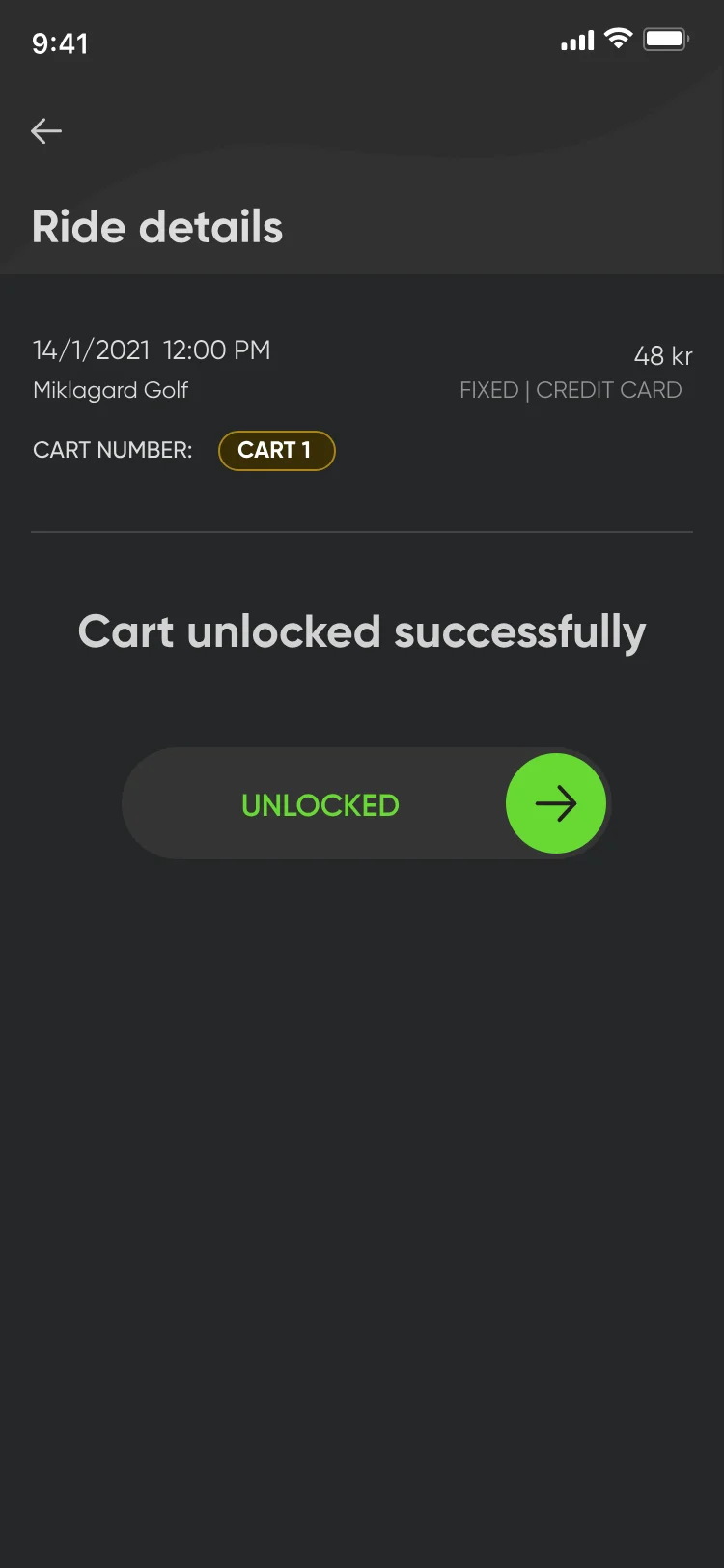
Ride details after the swipe: Cart unlocked successfully, with the control turned green and reading Unlocked.
Unlocked

a

Swipe to start the ride.

Requirement
Starting a booked ride starts a paid ride.
UI decision
A swipe control: “Swipe when you’re ready to start the ride”. At the end of the swipe it turns green, reads “Unlocked”, and the screen confirms “Cart unlocked successfully”.
Why
To prevent accidental starts of a paid ride.
Booking sheet over the map: Miklagard Golf, Change Club, Select date and Select slot fields and a Check availability button.
Booking
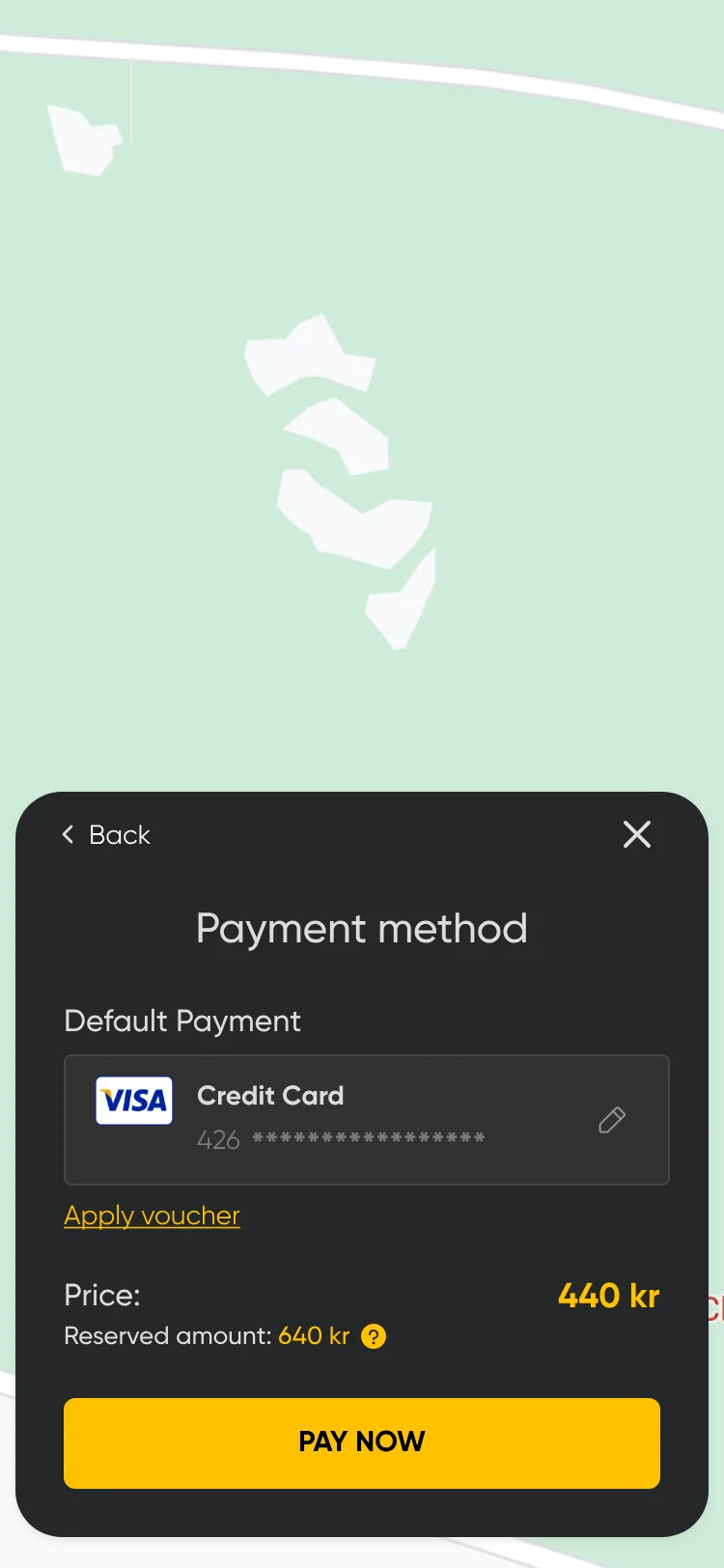
Payment method sheet over the map: default Visa credit card, Apply voucher, the price, the reserved amount and Pay now.
Payment
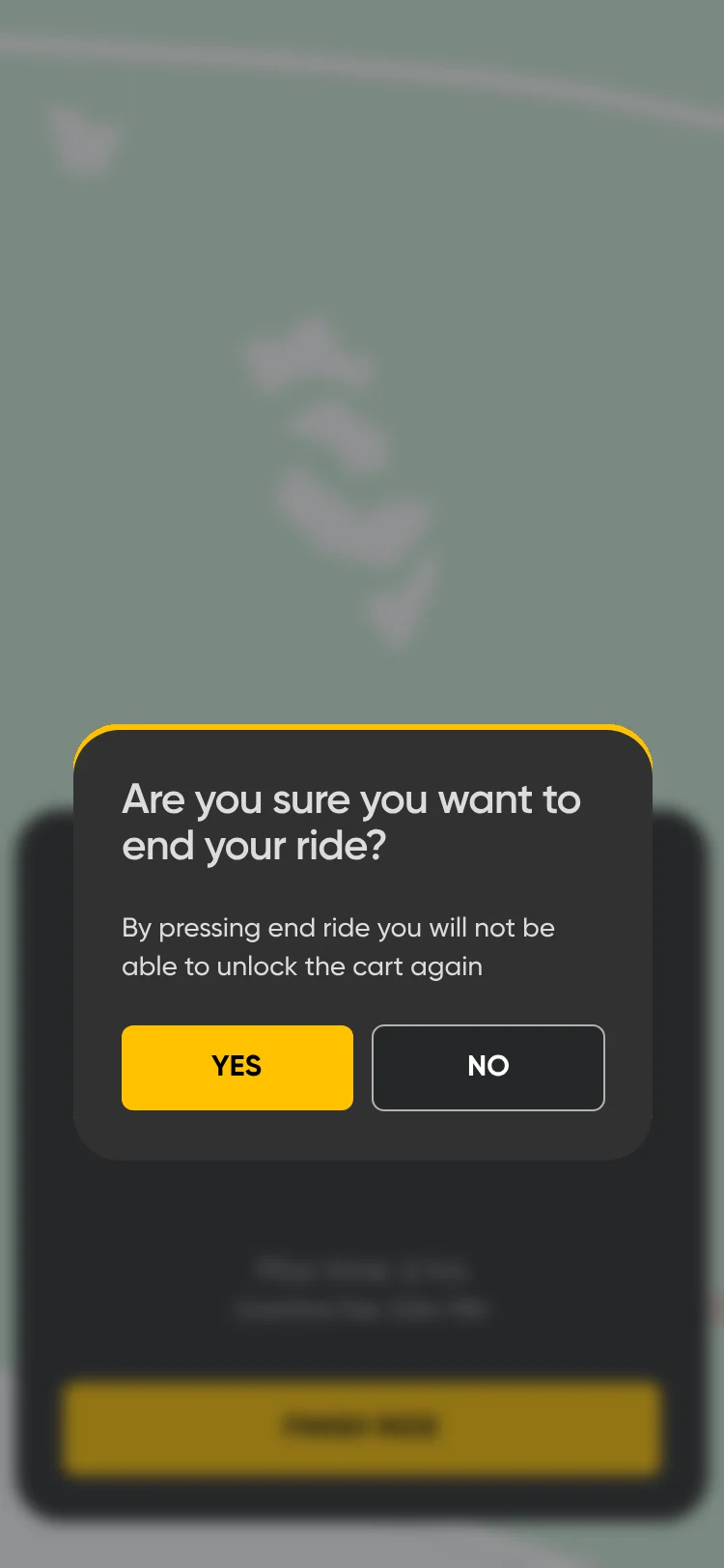
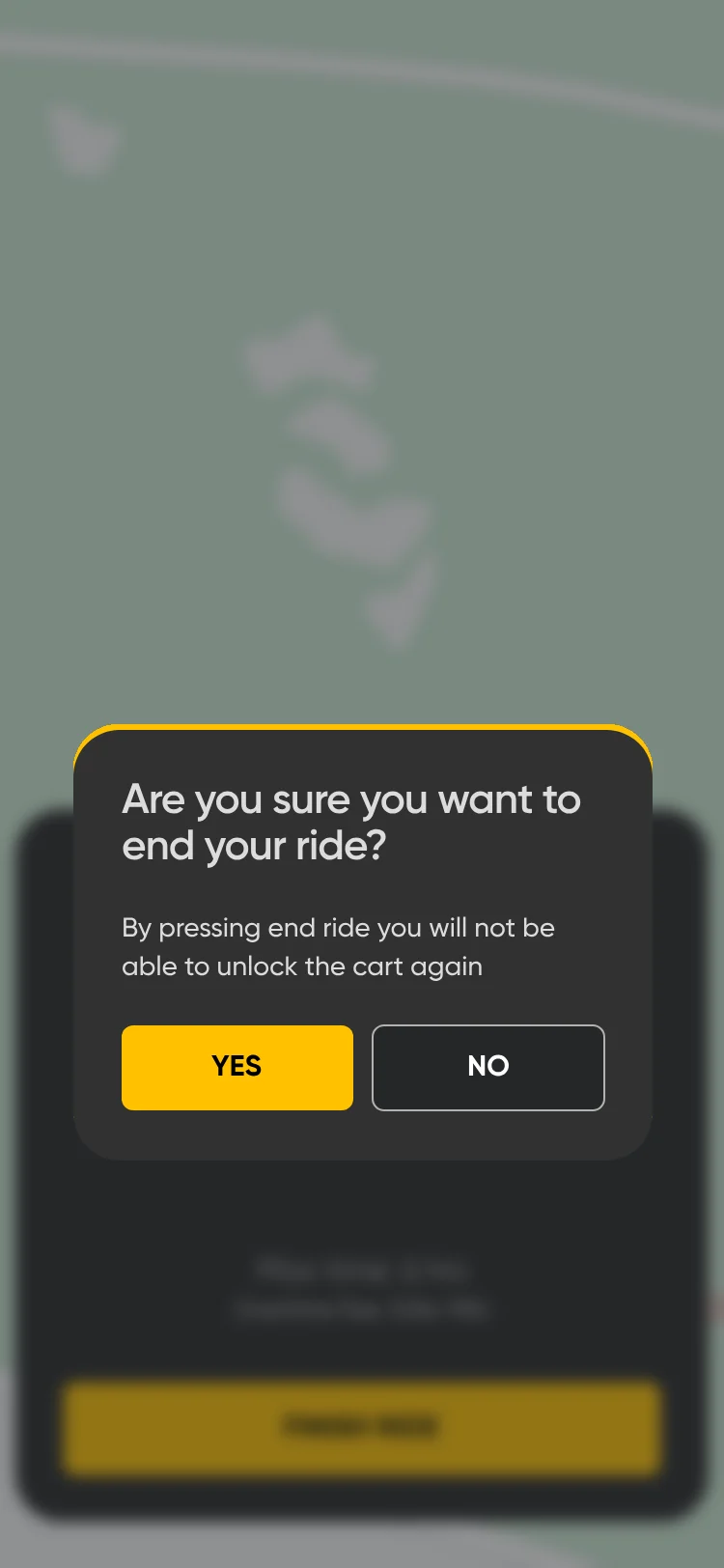
End ride dialog: Are you sure you want to end your ride? By pressing end ride you will not be able to unlock the cart again. Yes or No.
Ending the ride

b

Bottom sheets over the map.

Requirement
Booking, payment, the ride timer and ending the ride.
UI decision
Each step opens as a sheet from the bottom of the screen, with the map still in view behind it.
Why
These are short, supporting actions inside the ride flow, not separate destinations. A sheet lets golfers complete them without extra navigation, so the experience doesn’t feel heavier than it needs to.
Fixed-price ride timer in a sheet over the map: Your ride is active, 01:03, max time 6 hrs, overtime fee 3,0 kr/min, and a Finish ride button.
Active
Fixed-price timer in overtime: Overtime in red, 00:40 in red, overtime fee 3,0 kr/min and Finish ride.
Overtime
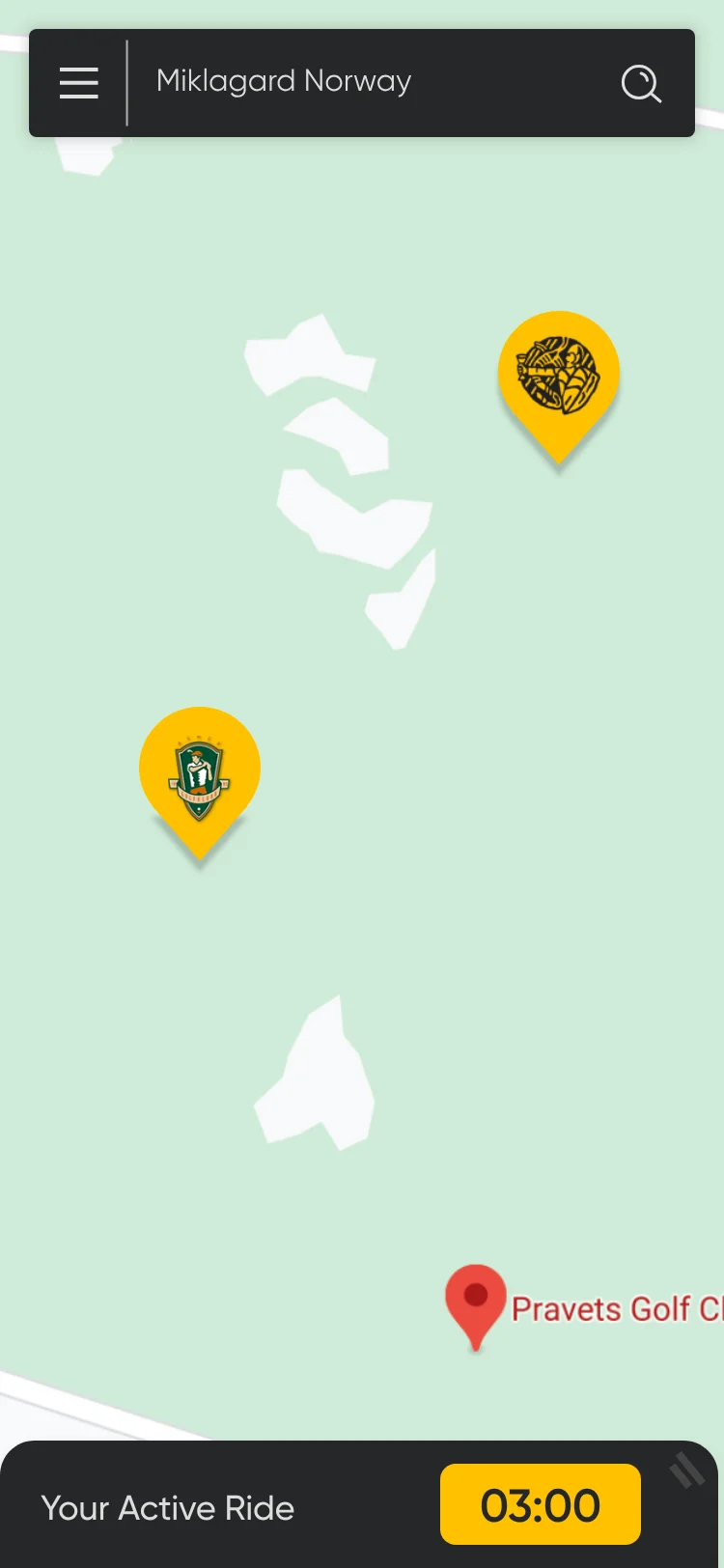
The map with the ride timer collapsed into a bar at the bottom: Your Active Ride, 03:00.
Collapsed

c

Three timer states.

Requirement
The ride time, the maximum time and the overtime fee.
UI decision
The timer is active in white; in overtime the time and the word “Overtime” turn red, with the fee per minute; and it collapses into a bar on the map. Fixed price counts down to show the time left; per minute counts up because there is no fixed end.
Why
Active is the main timer while the cart is in use. Overtime turns red because riding past the booked time, such as 6 hours, is charged at a higher rate. The collapsed bar keeps the time visible while the golfer checks the map, so the timer doesn’t always cover the whole screen.
How do you wish to pay? Starting fee 9 kr, plus two cards: Fixed price, 18 holes = 6 hr, 400 kr; and Minute price, per minute, 1,6 kr.
How do you wish to pay?

d

Two pricing cards.

Requirement
Two ways to pay: a fixed price or per minute.
UI decision
Two cards side by side under the 9 kr starting fee: Fixed price, 18 holes = 6 hr, 400 kr; and Minute price, 1,6 kr per minute. Each card has an info icon.
Why
Some golfers play a short round and some play a full round, so both options sit side by side for the golfer to pick the one that fits.
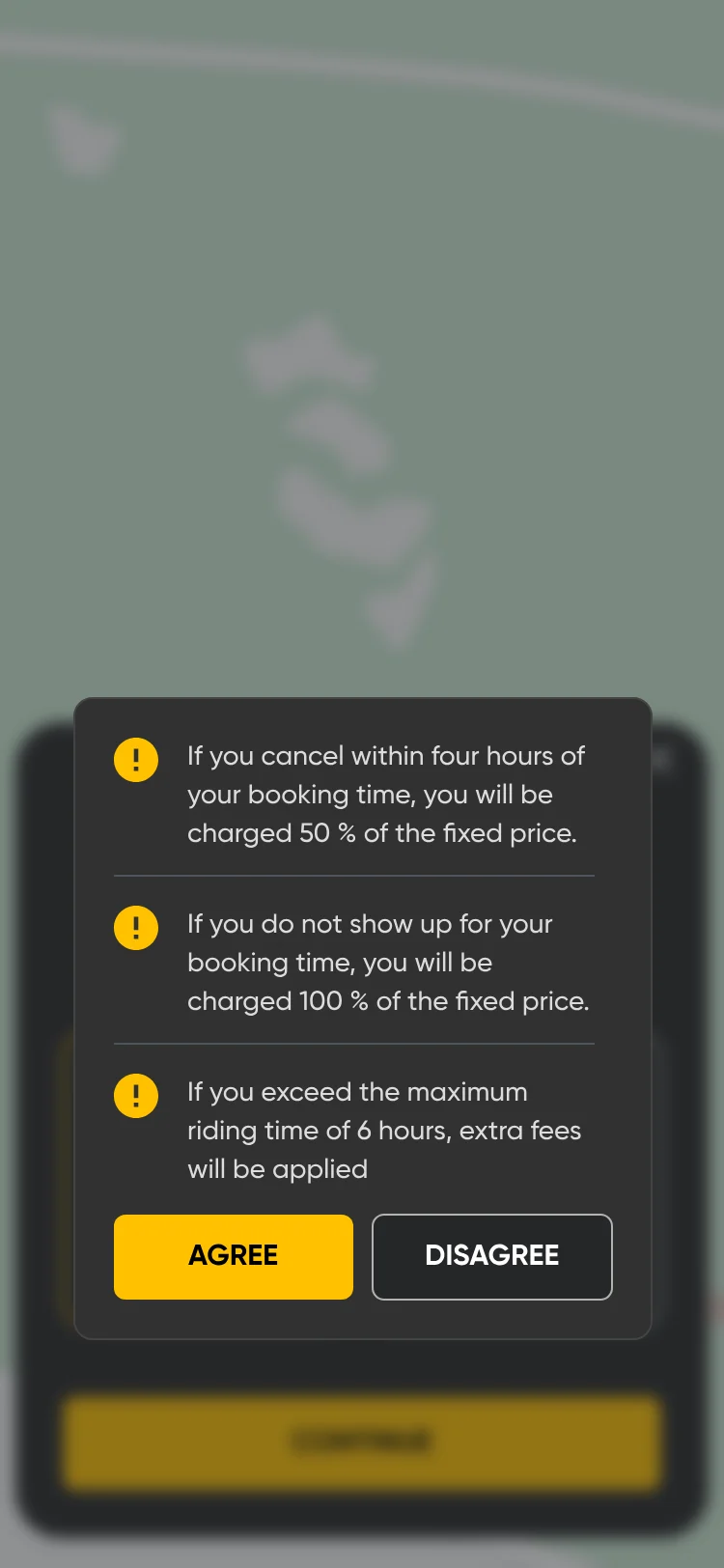
Rules before booking: cancelling within four hours costs 50% of the fixed price, a no-show costs 100%, and going over the maximum riding time of 6 hours adds fees, with Agree and Disagree.
Cancellation and overtime
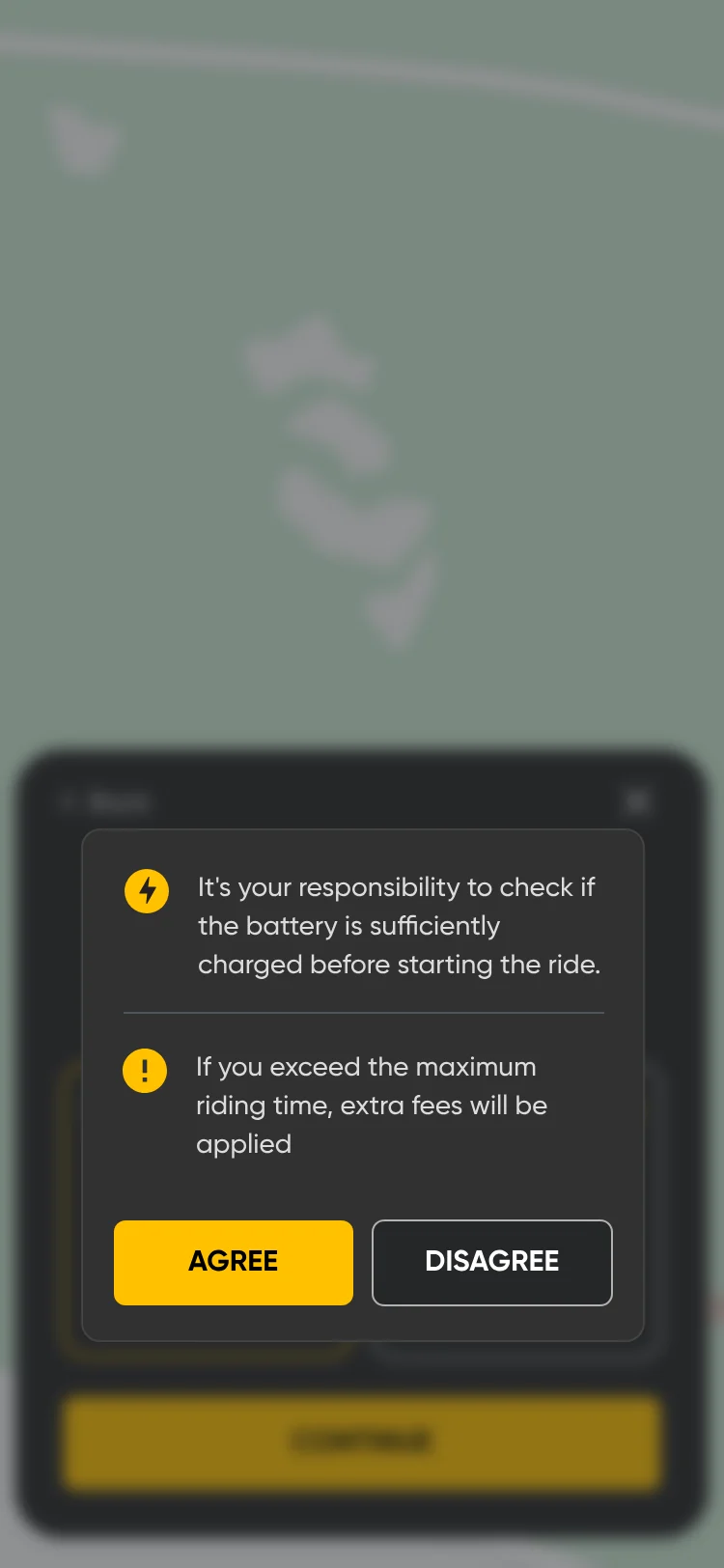
Rules before a ride: checking the battery is the golfer’s responsibility, and going over the maximum riding time adds fees, with Agree and Disagree.
Battery and overtime
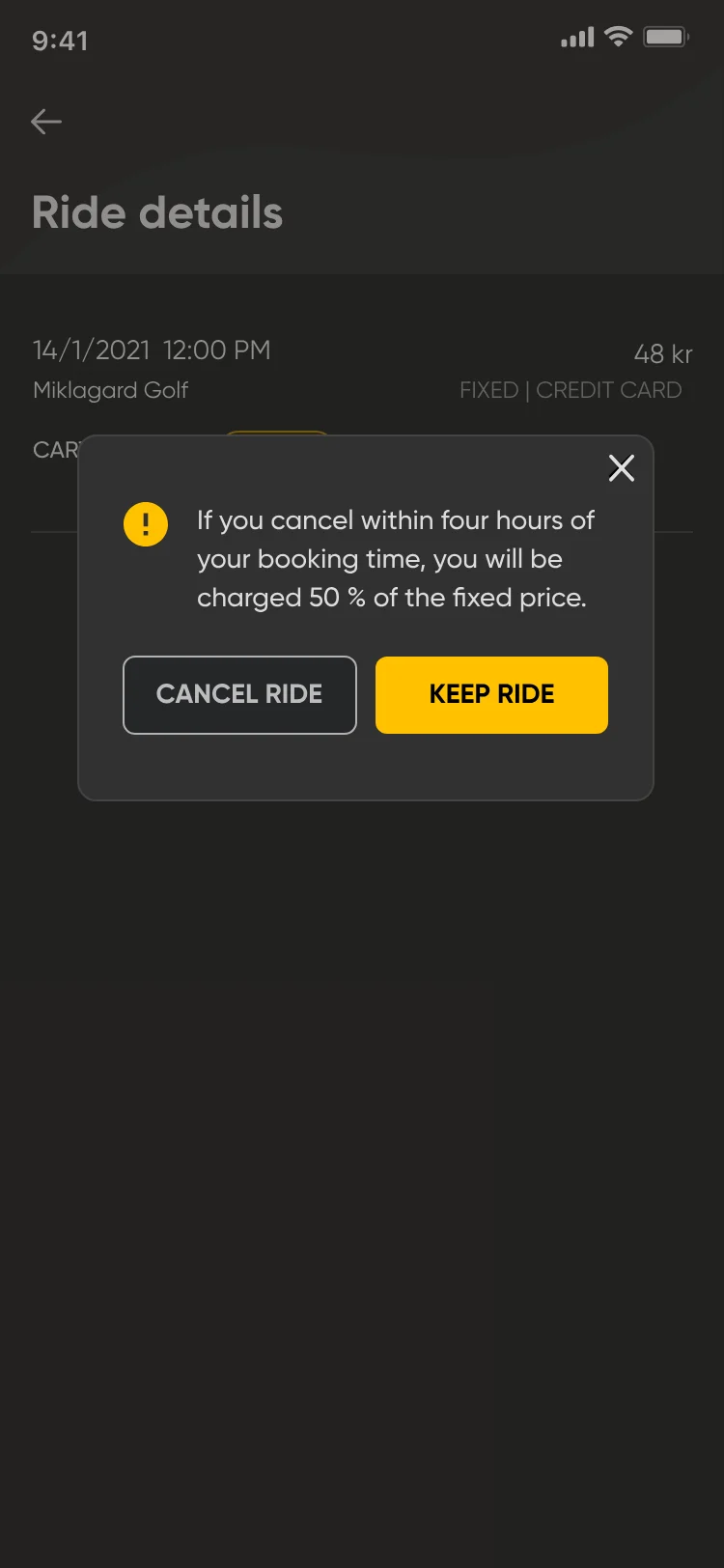
Cancel dialog over the ride details: if you cancel within four hours of your booking time, you will be charged 50% of the fixed price, with Cancel ride and Keep ride.
Cancelling.

e

Rules before commitment.

Requirement
Cancellation charges, battery responsibility and overtime fees.
UI decision
The rules appear in a dialog before the booking or ride continues, one line each, with “Agree” and “Disagree”. The cancellation rule appears again when the golfer cancels a ride.
Why
So the golfer knows every charge before committing: transparent pricing with no hidden charges, and no dispute after the ride. Showing the cancellation rule again at the moment of cancelling means the 50% charge is never a surprise.
Before you leave the cart: leave the cart in the designated area, plug in the charger cable, remove all trash and leave the cart as you found it, and I understand.
Before you leave

f

The end-of-ride checklist.

Requirement
Where to leave the cart, charging and trash.
UI decision
Before the ride ends, a checklist: leave the cart in the designated area, plug in the charger cable, remove all trash and leave the cart as you found it. The golfer taps “I understand”.
Why
So the next golfer gets a clean cart, charged and ready for the next ride.
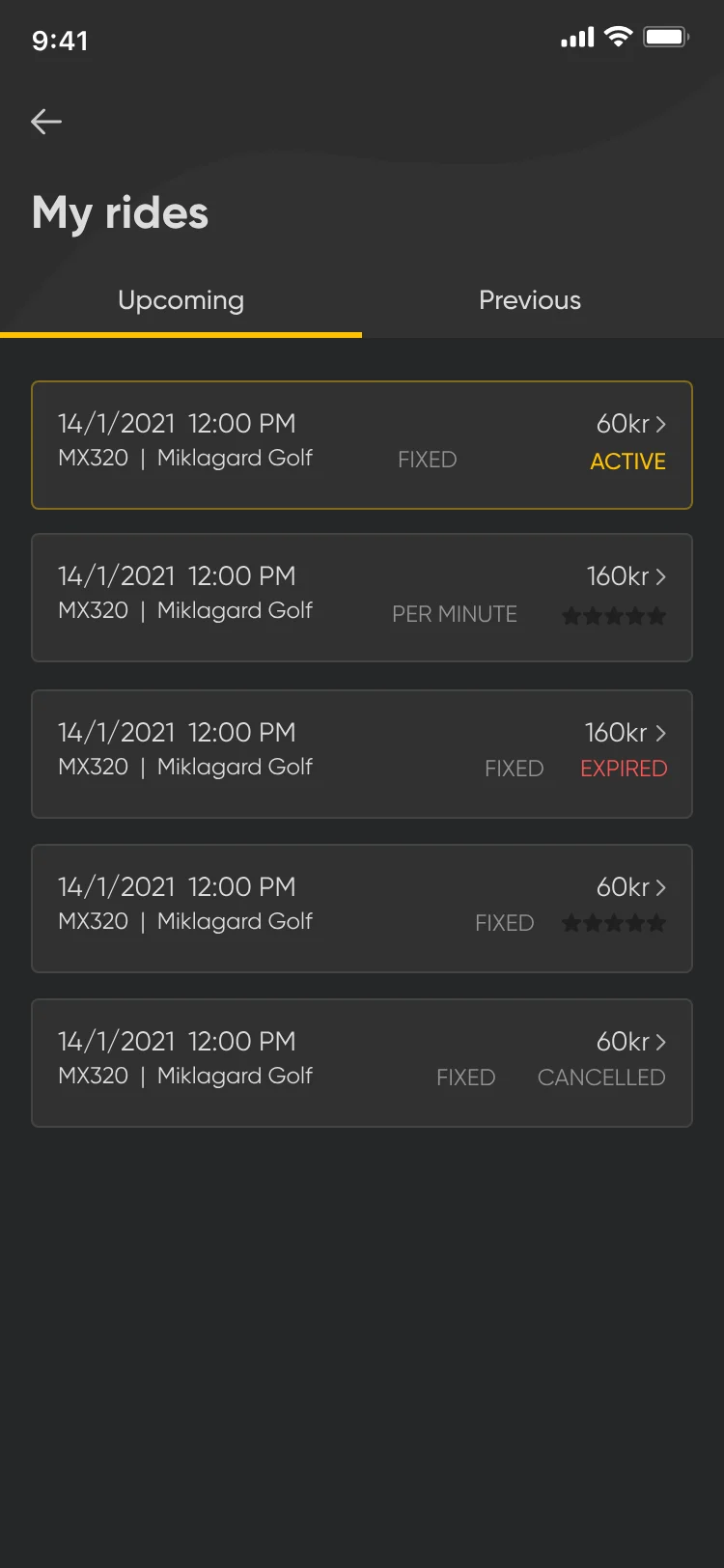
My rides, Upcoming tab: rides with status labels Active, Expired and Cancelled.
My rides
Ride details: Your ride has been expired, with a red Ride expired label and a disabled Cancel ride button.
An expired ride

g

Ride status labels.

Requirement
Ride history with active, upcoming, expired and cancelled rides.
UI decision
A status label on each ride in the list: Active in yellow, Expired in red, Cancelled in grey. An expired ride shows a red “Ride expired” label in its details.
Why
So golfers can see each ride’s state at a glance. Colour and a text label are used together, so no state relies on colour alone.

00:05 The flows

Every golfer-side flow.

Booking

10 screens · 7 steps
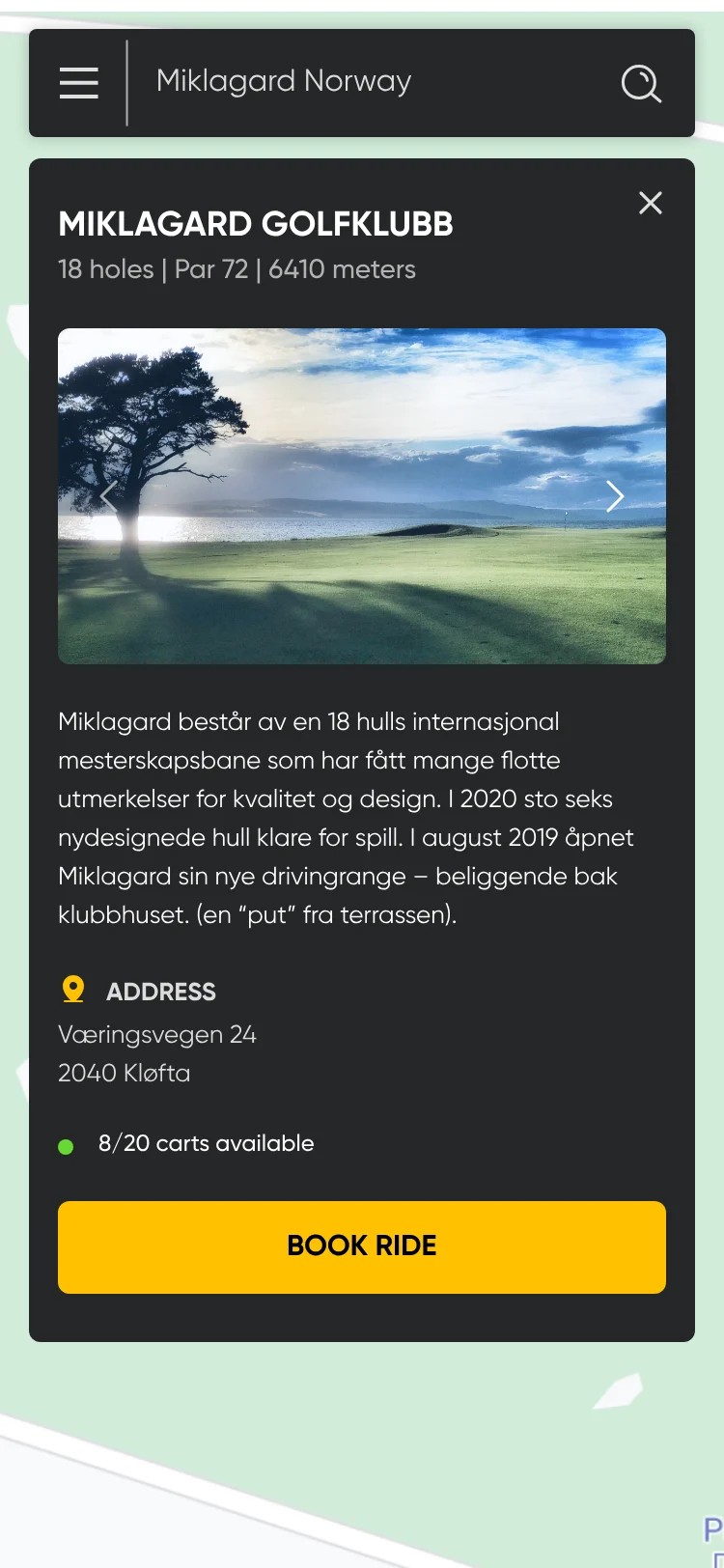
Course detail over the map: Miklagard Golfklubb, 18 holes, par 72, a photo, a description, the address, 8/20 carts available and Book ride.
A club on the map.
Booking sheet over the map: Miklagard Golf, Change Club, Select date and Select slot fields and a Check availability button.
Date and time.
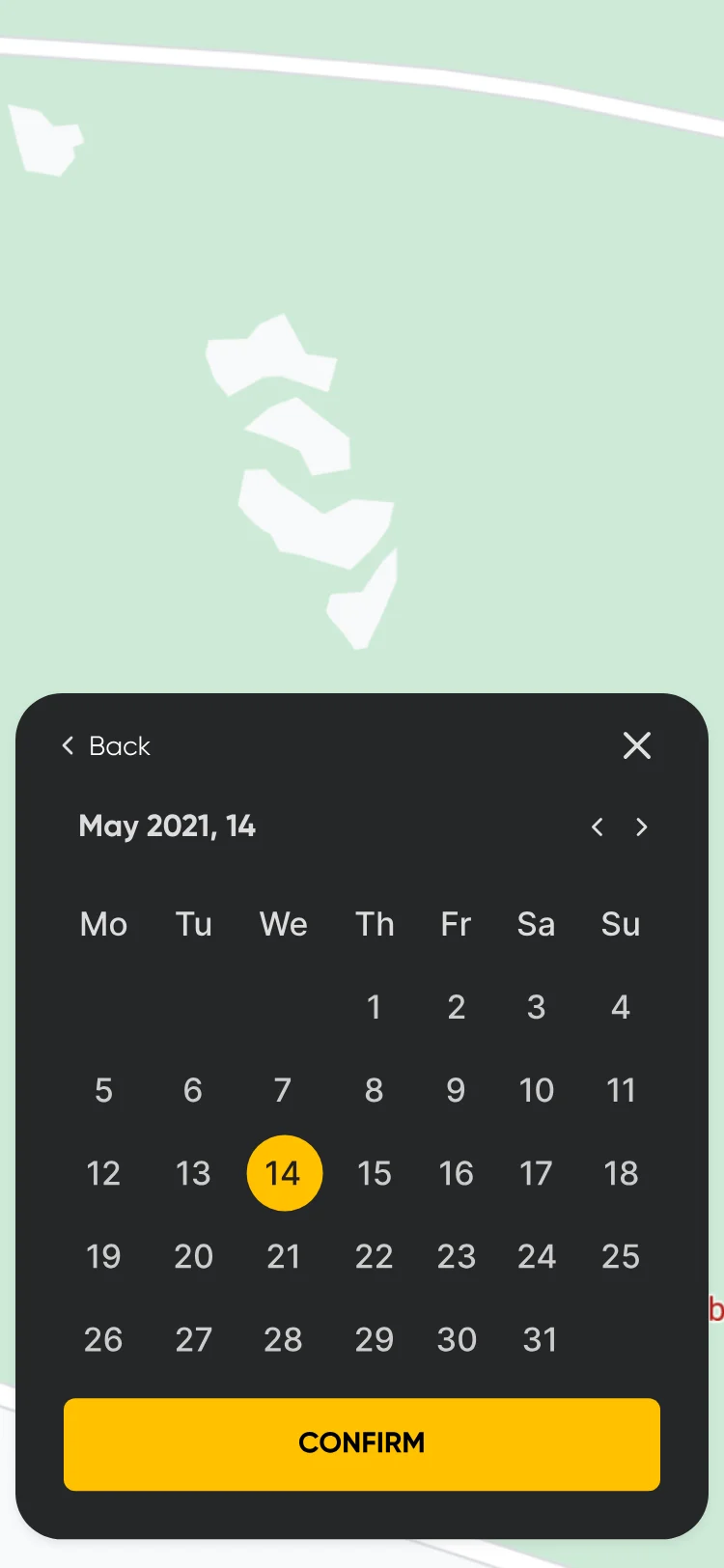
Date picker sheet: May 2021 with the 14th selected and Confirm.
Pick a date.
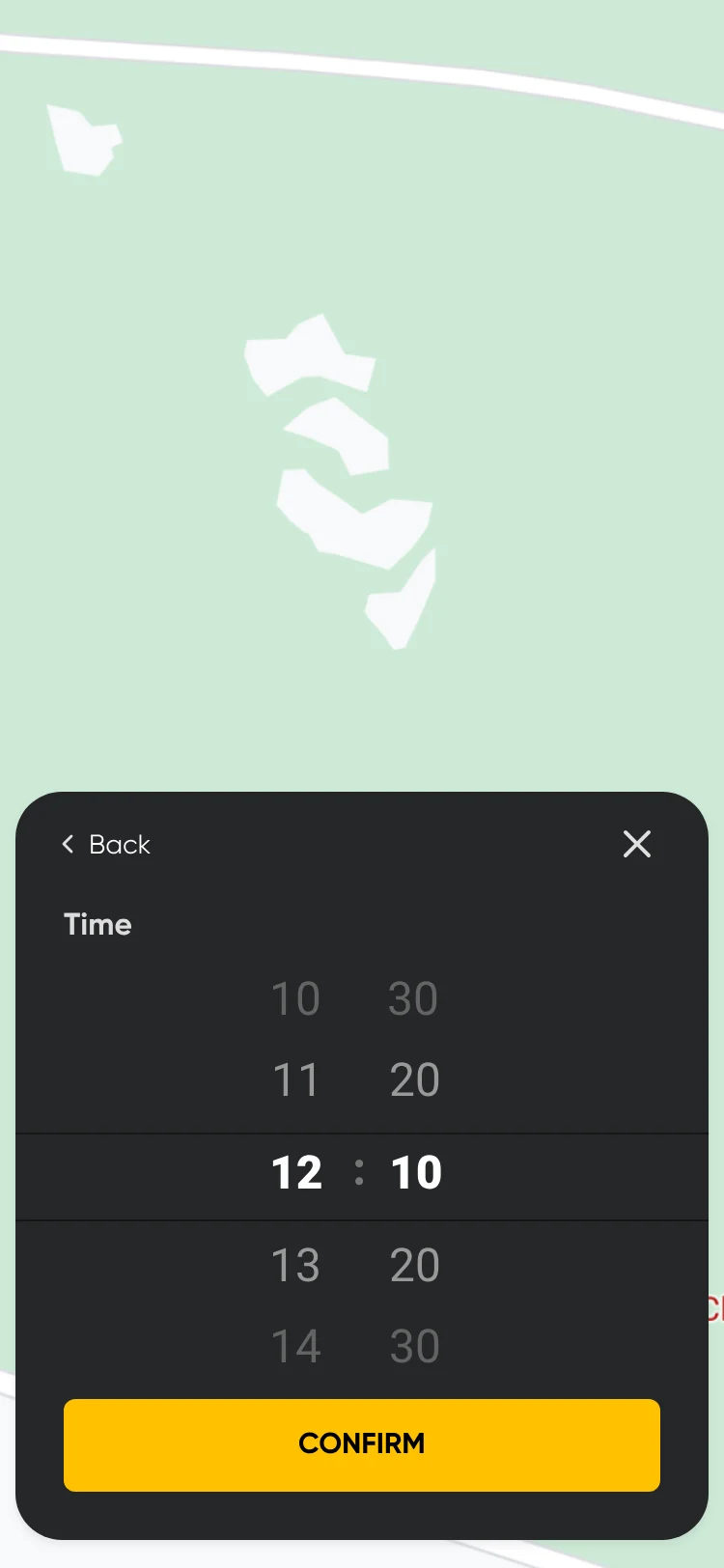
Time picker sheet: 12:10 selected and Confirm.
Pick a time.
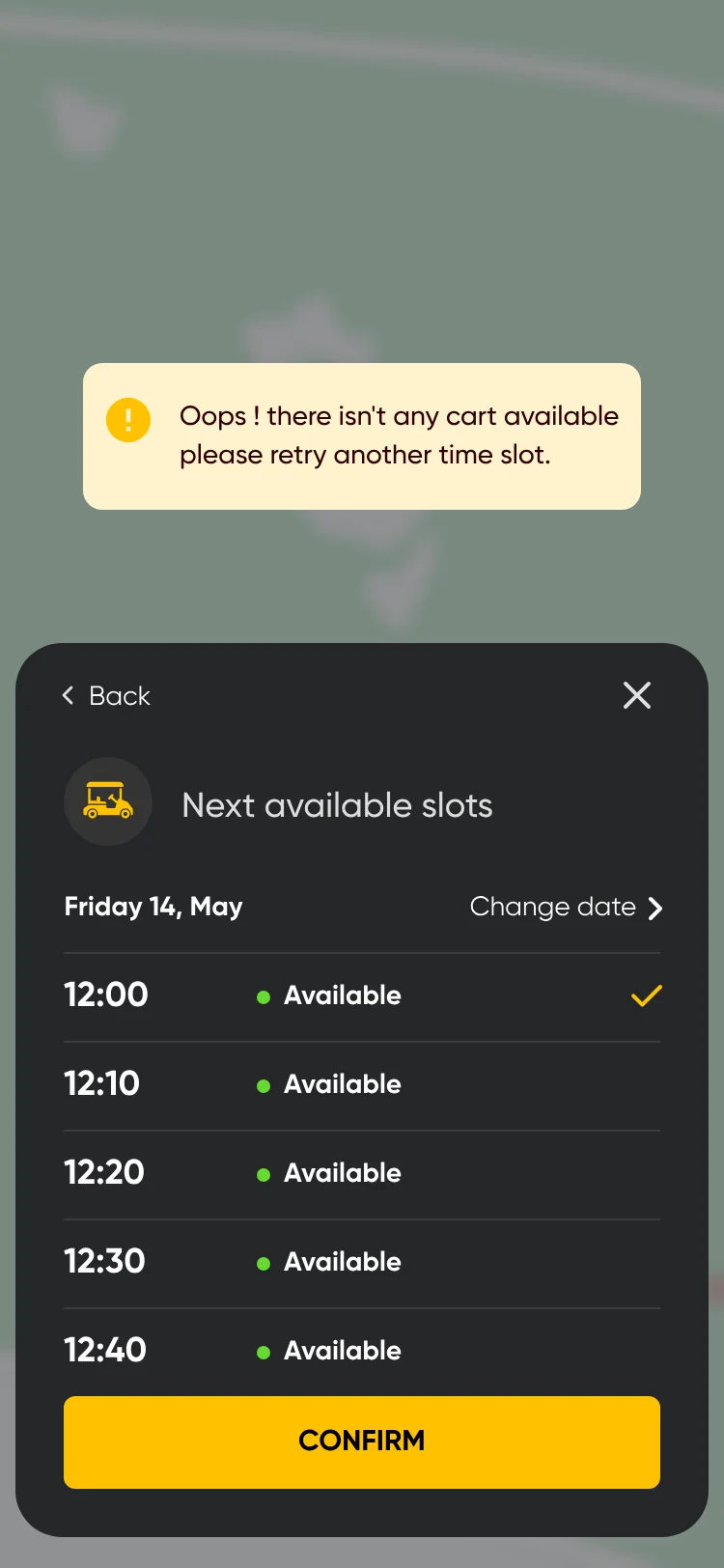
No cart at the chosen time: a notice and a list of the next available slots from 12:00, with Confirm.
No cart free: the next slots.
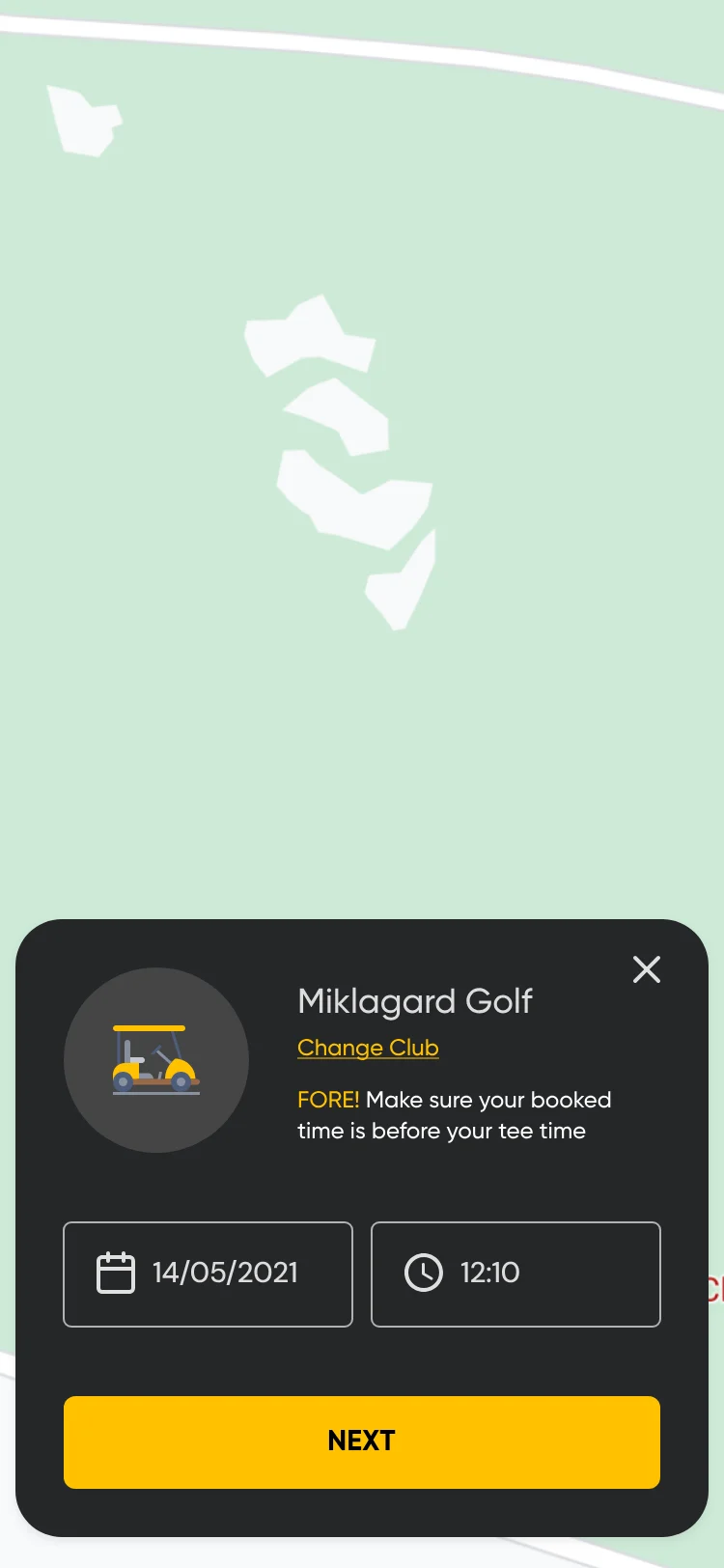
Booking sheet with a date and time chosen, 14/05/2021 at 12:10, a reminder that the booked time should be before the tee time, and Next.
Booking overview.
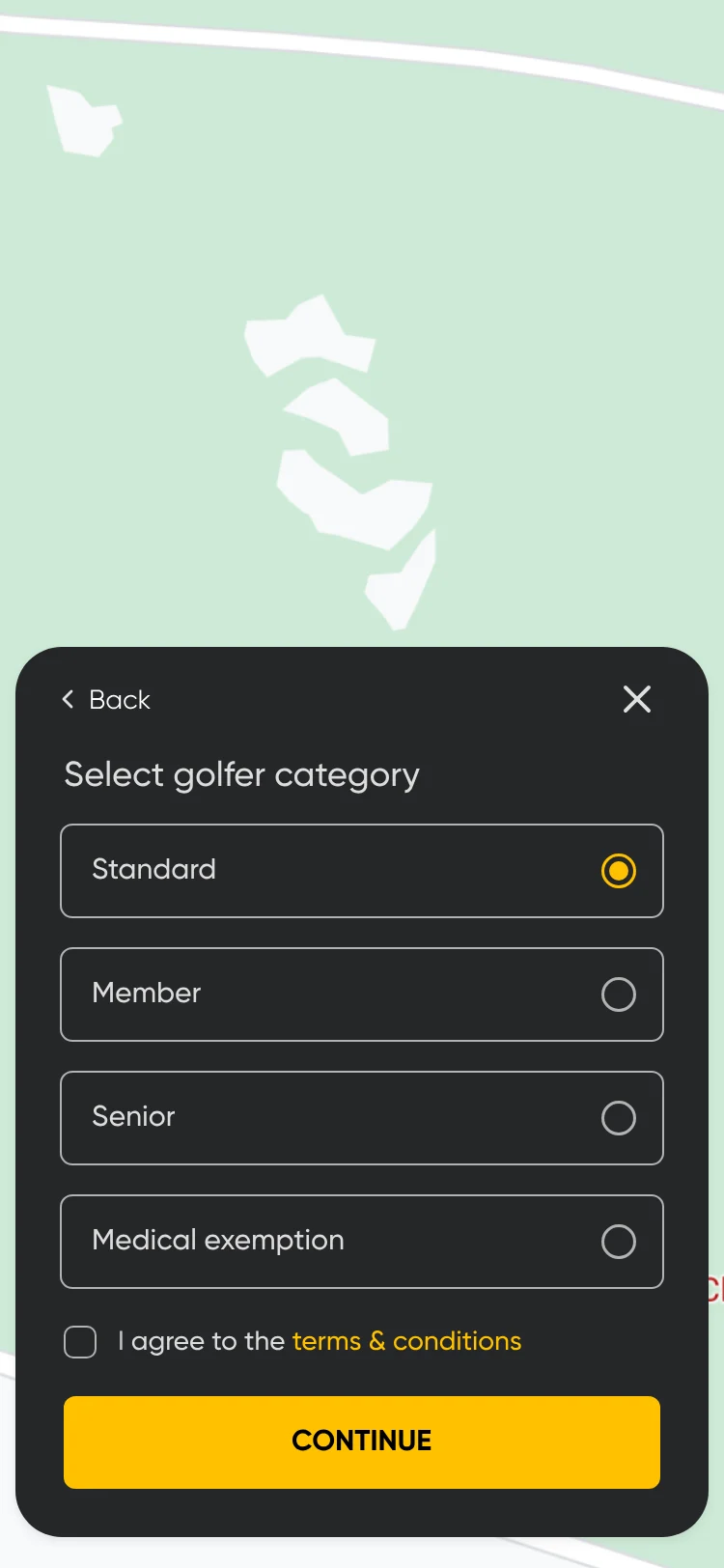
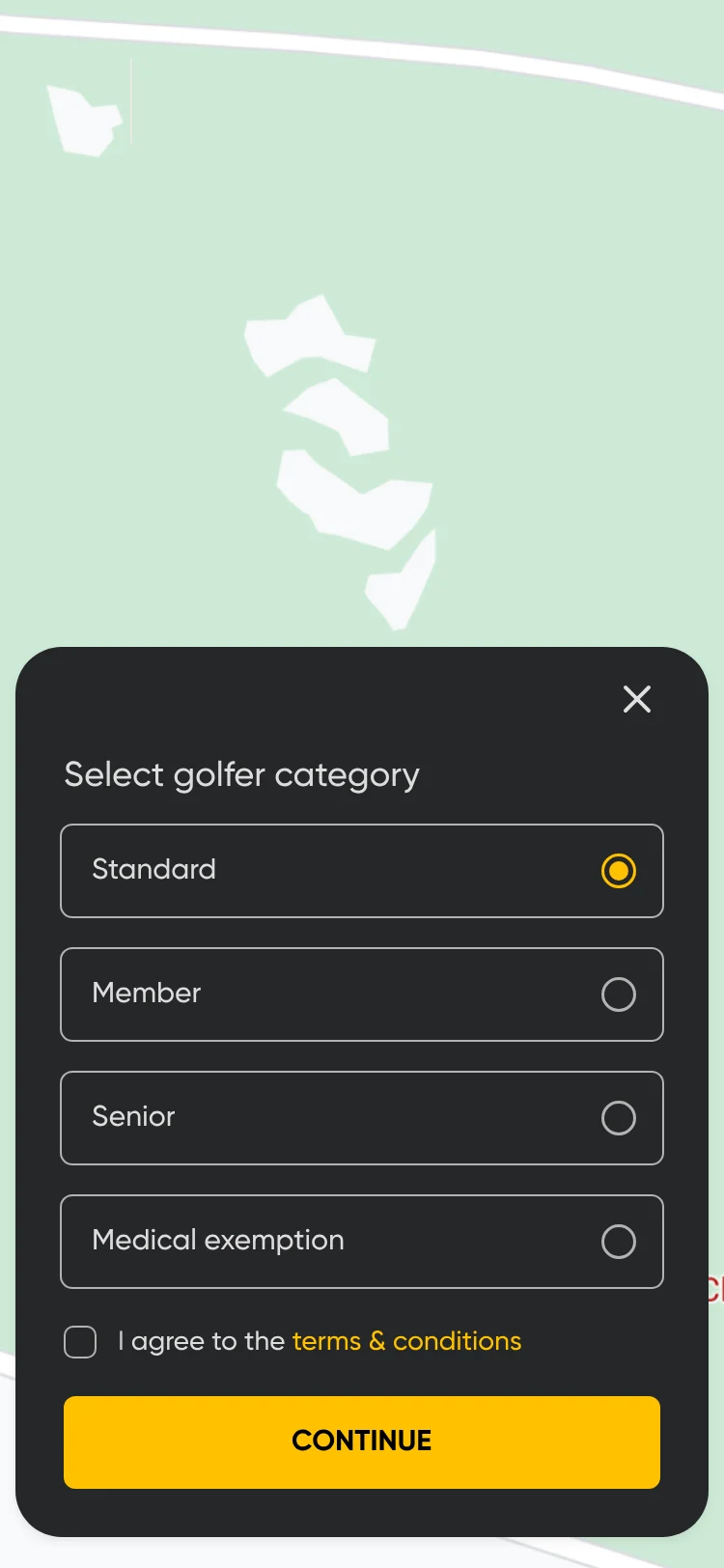
Select golfer category: Standard, Member, Senior or Medical exemption, terms and conditions, and Continue.
Golfer category.
How do you wish to pay? Fixed price or minute price cards, with Continue.
Fixed or per minute.
Payment method sheet over the map: default Visa credit card, Apply voucher, the price, the reserved amount and Pay now.
Pay.
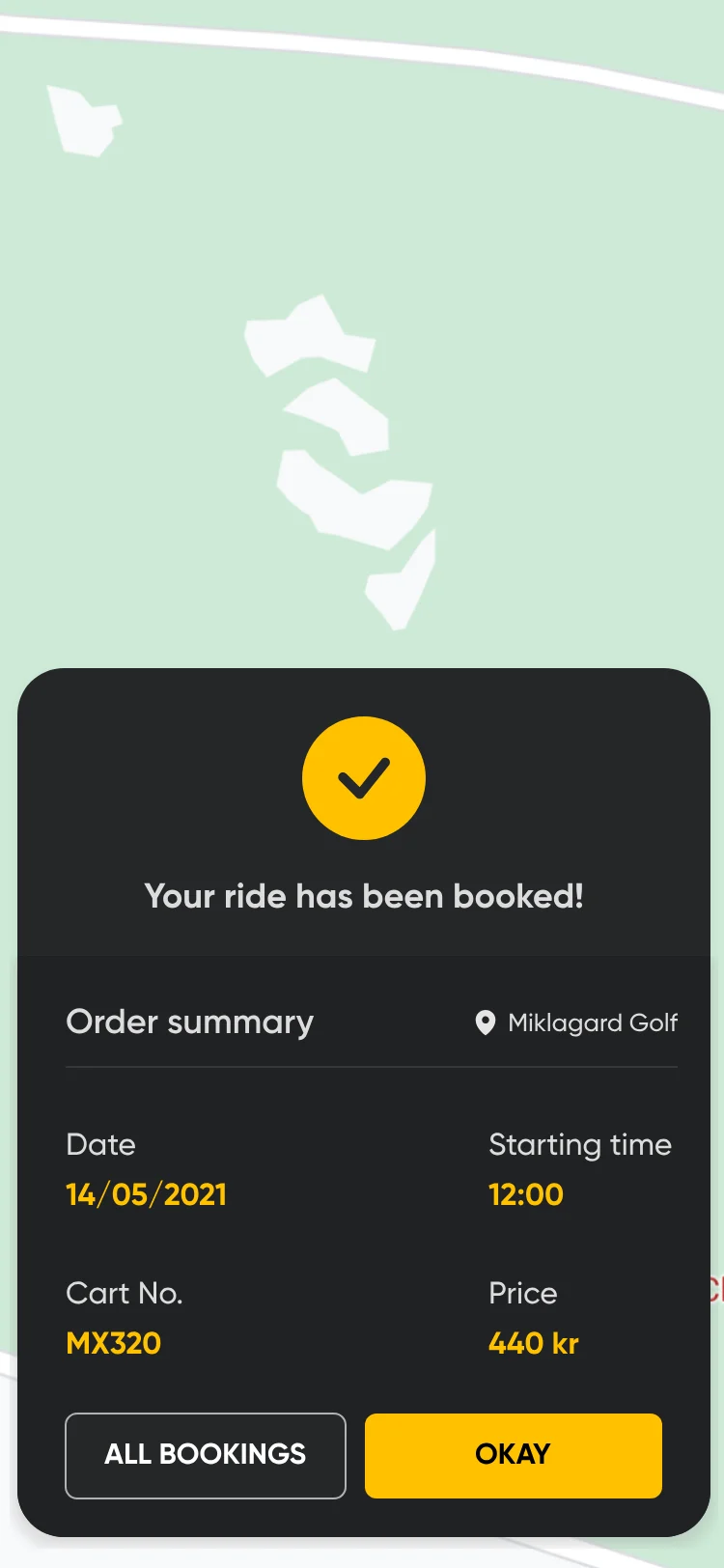
Your ride has been booked: an order summary with date, starting time, cart number and price in kr, All bookings and Okay.
Booked.

The ride

7 screens
Scan cart: a QR code inside a yellow frame, with the line Place the QR code inside area and a camera button.
Scan the cart.
After scanning: Select golfer category, Standard, Member, Senior or Medical exemption, with terms and Continue.
User segment.
Ride details for a booked ride: Swipe when you're ready to start the ride, a swipe control reading Start ride, and Cancel ride.
Swipe to start.
Fixed-price ride timer in a sheet over the map: Your ride is active, 01:03, max time 6 hrs, overtime fee 3,0 kr/min, and a Finish ride button.
Fixed price: active.
The map with the ride timer collapsed into a bar at the bottom: Your Active Ride, 03:00.
Collapsed on the map.
Per-minute ride timer: Your ride is active, 01:03, max time 6 hrs and overtime fee 3,0 kr/min.
Per minute: active.
Per-minute ride in overtime: 00:40 in red with the overtime fee.
Per minute: overtime.

Ending and feedback

6 screens
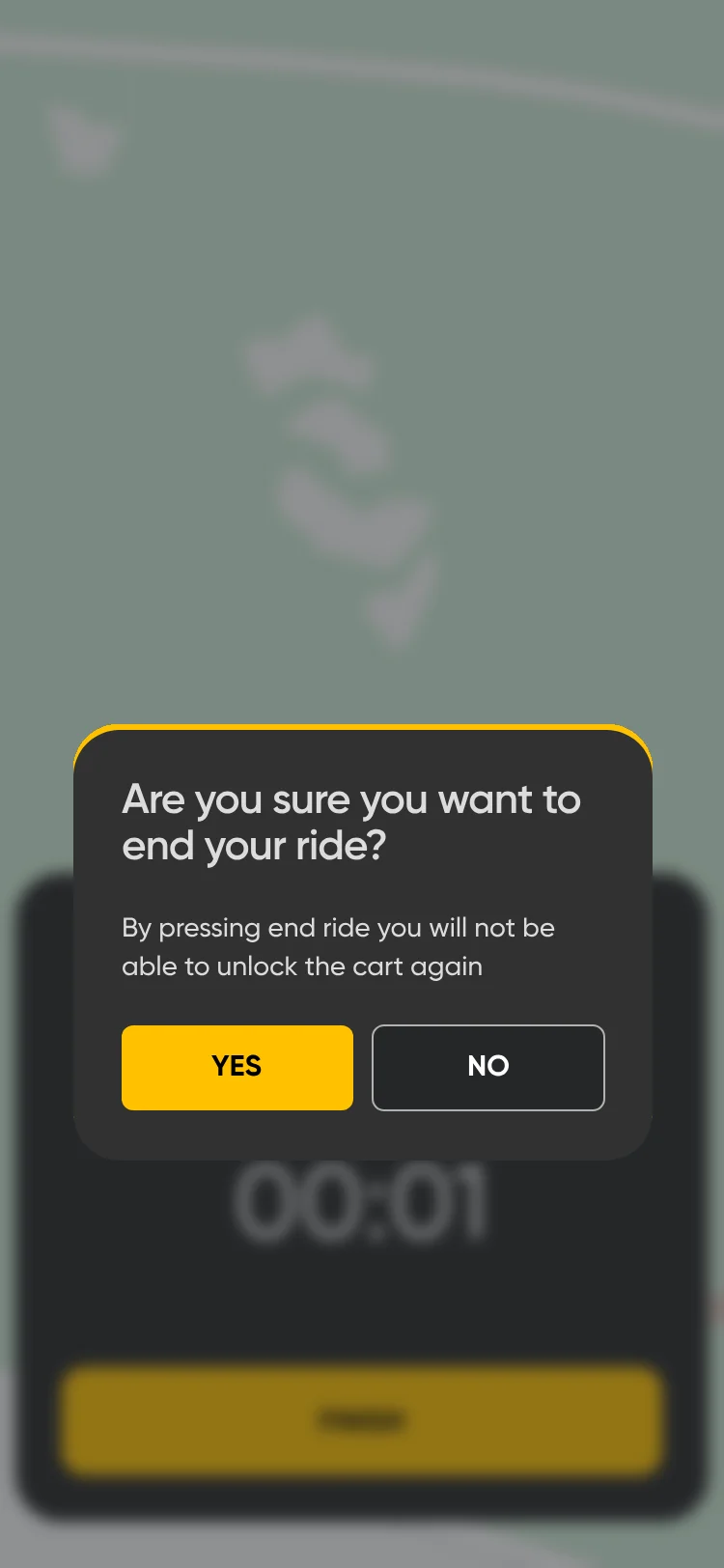
Are you sure you want to end your ride? Yes or No, over the ride sheet.
Finish the ride?
Before you leave the cart: leave the cart in the designated area, plug in the charger cable, remove all trash and leave the cart as you found it, and I understand.
Before you leave.
End ride confirmation for a per-minute ride.
Finish a per-minute ride.
Before you leave the cart checklist for a per-minute ride.
Checklist, per minute.
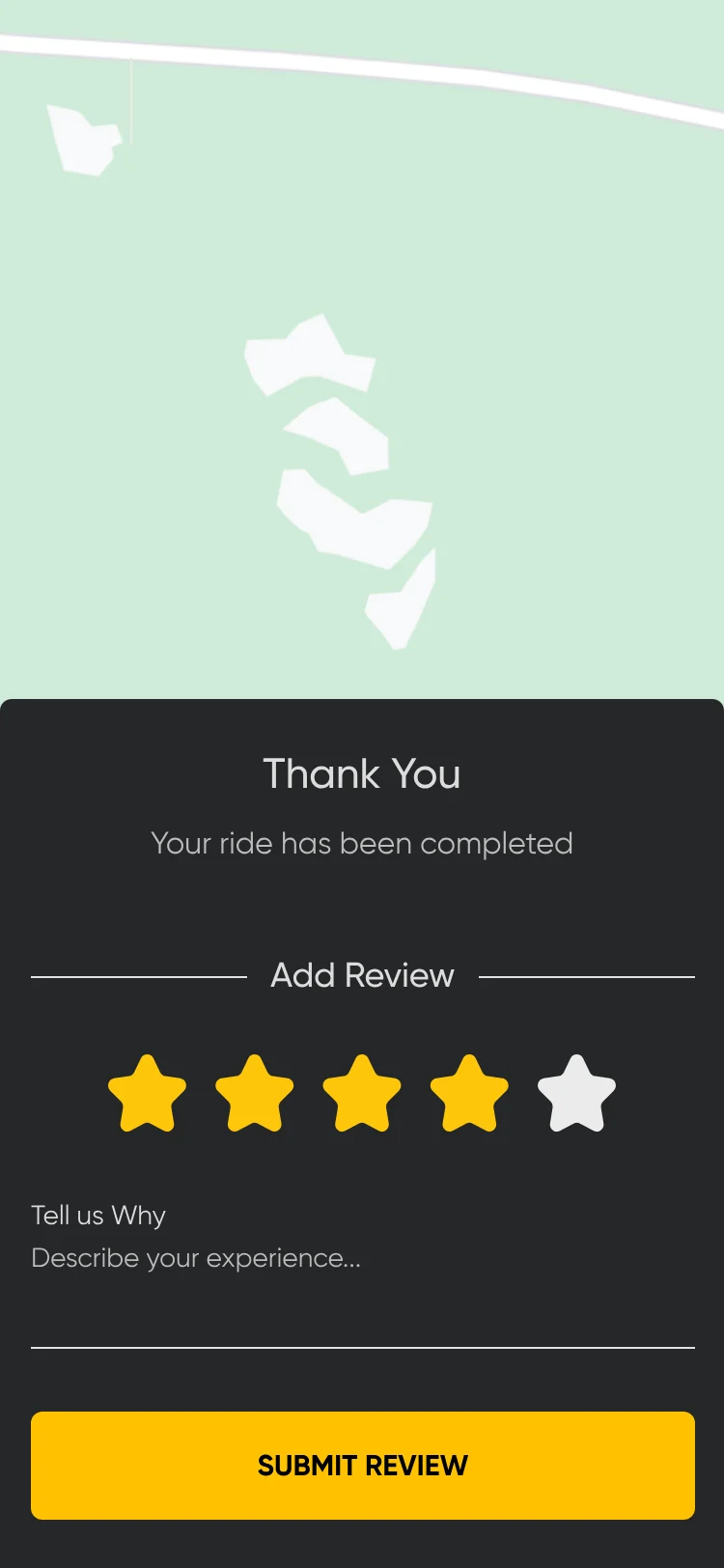
Thank you, your ride has been completed: Add review with a star rating, Tell us why, and Submit review.
Review.
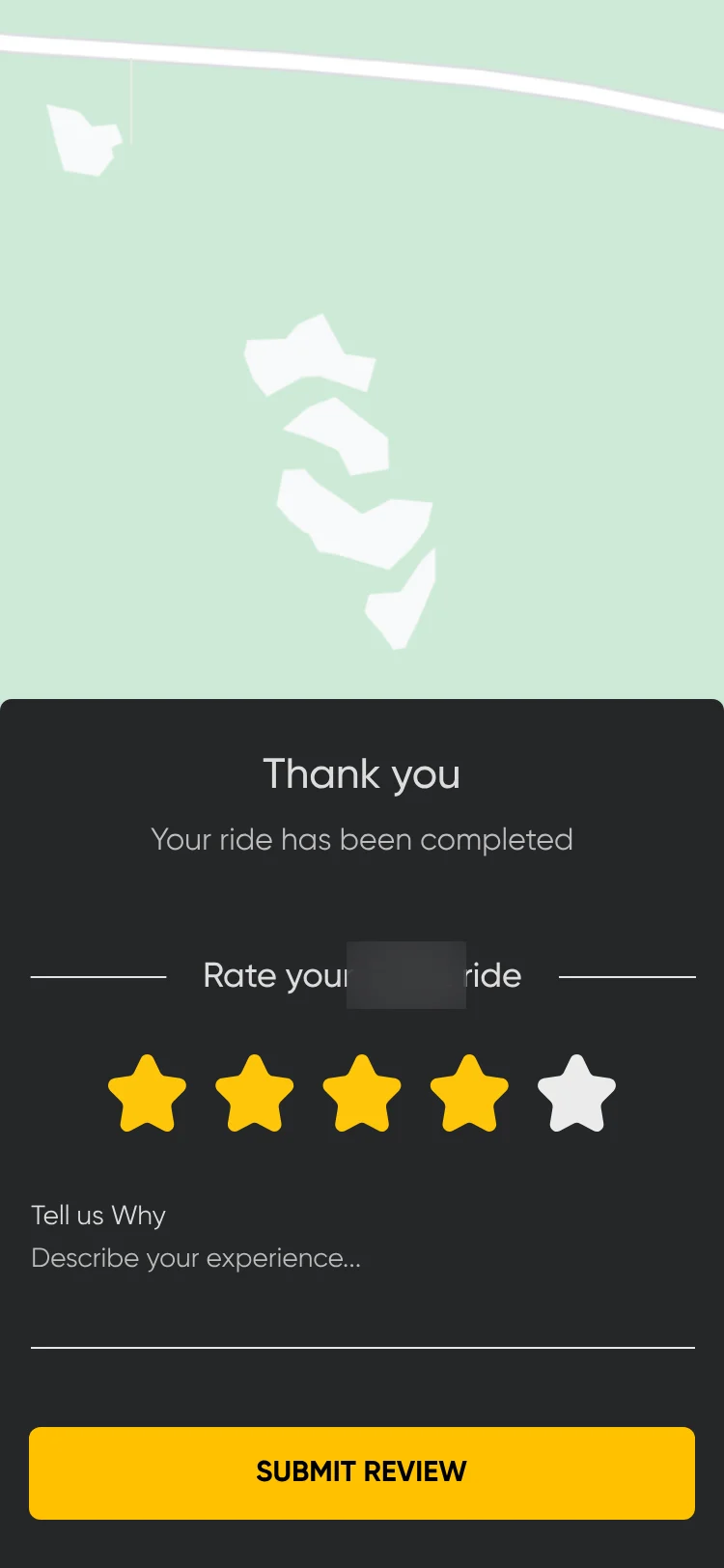
Thank you, rate your ride: stars, a comment field and Submit review. The logo is blurred.
Rate the ride.
More flows Signup and verification, Account

Signup and verification

7 screens
Splash screen. The logo is blurred.
Splash.
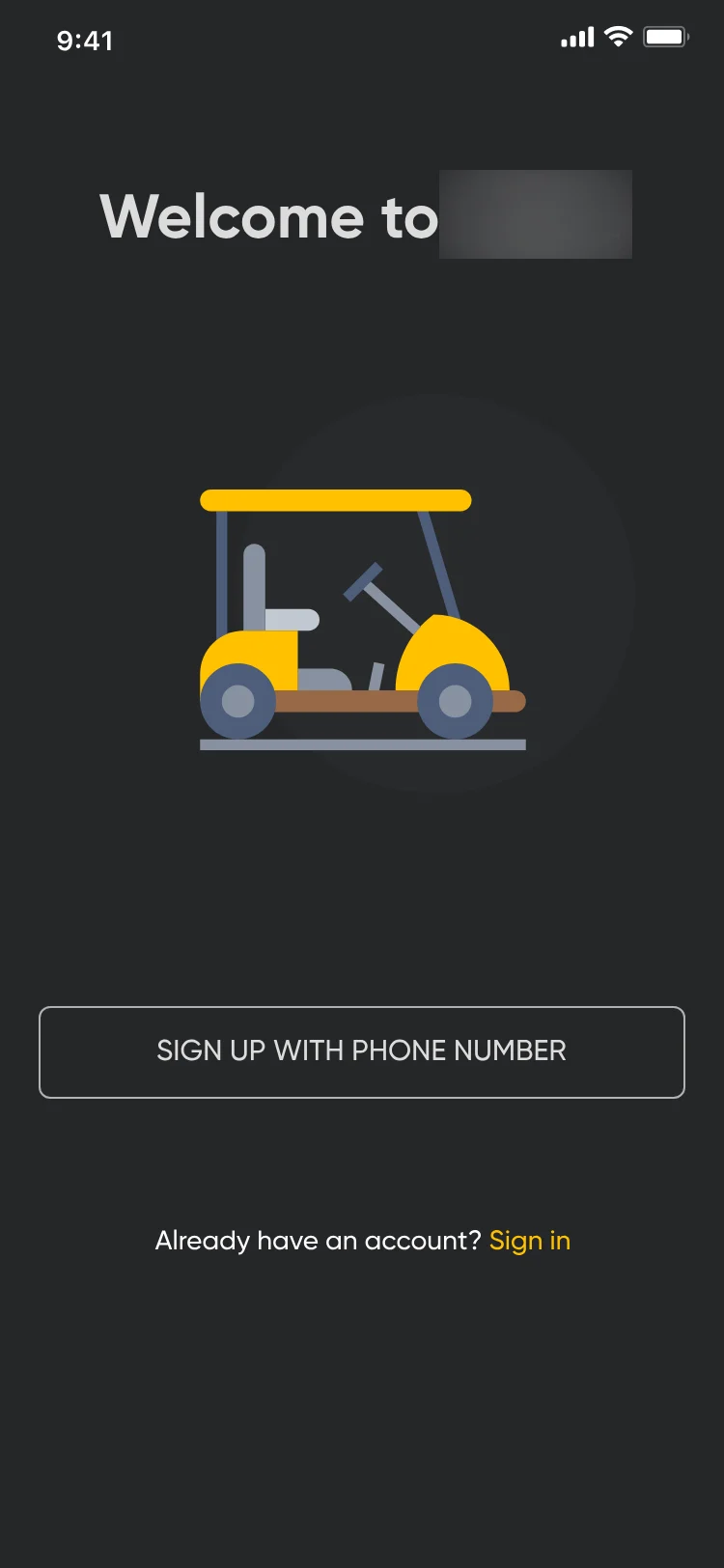
Sign up: Welcome to Eagl, a golf cart illustration, Sign up with phone number and Sign in. The logo is blurred.
Sign up with a phone number.
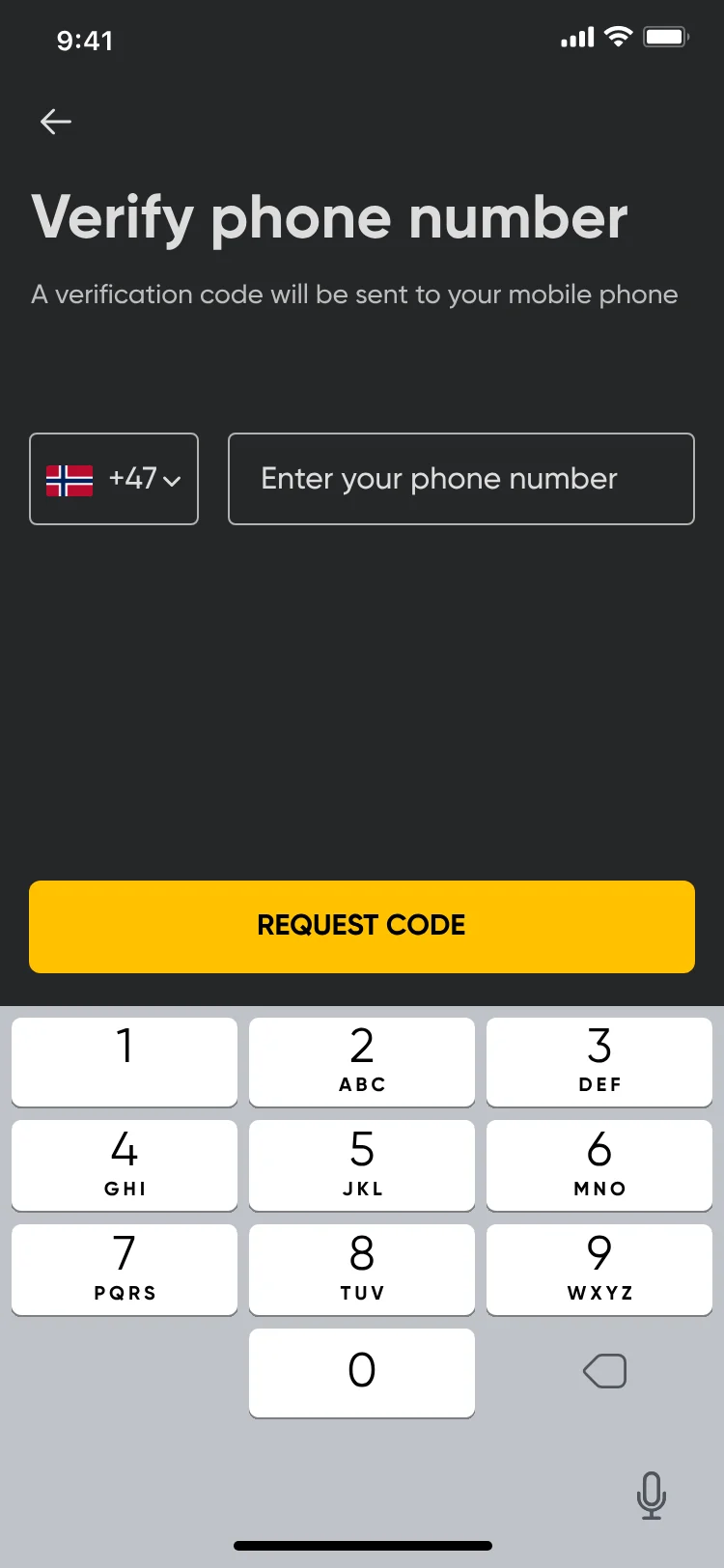
Verify phone number: a +47 country code, a phone field and Request code, above the keypad.
Enter the phone number.
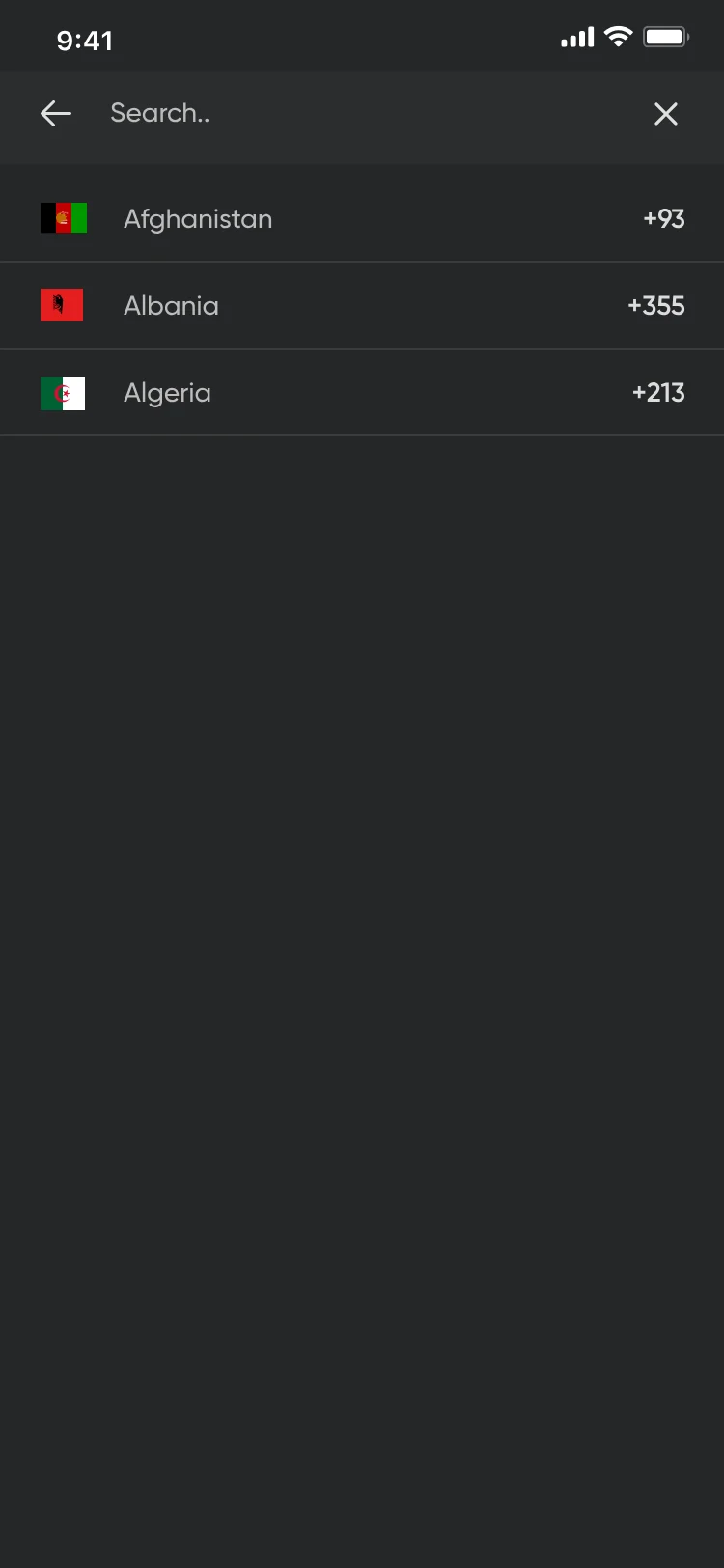
Country search: Afghanistan, Albania and Algeria with their dialling codes.
Pick a country code.
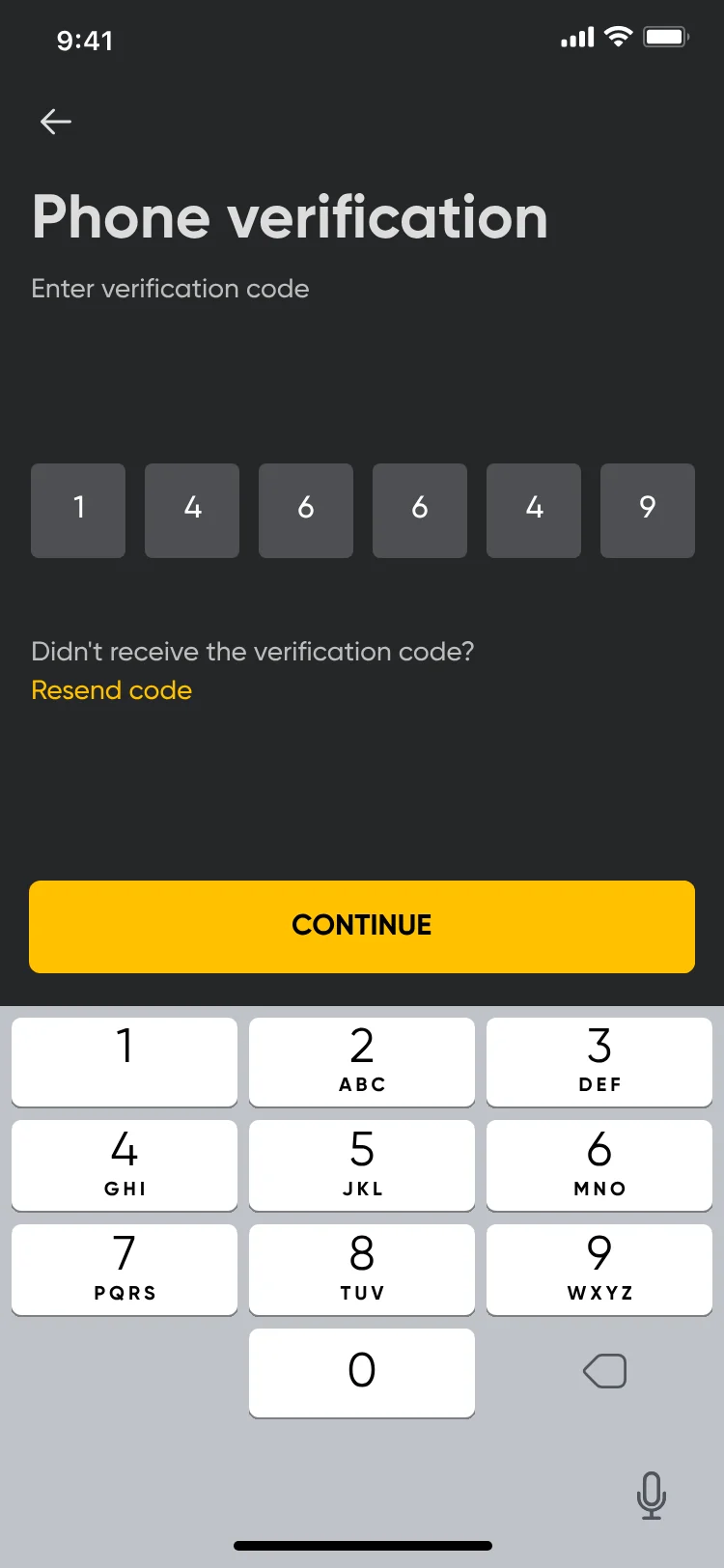
Phone verification: six code boxes, Resend code and Continue.
Enter the code.
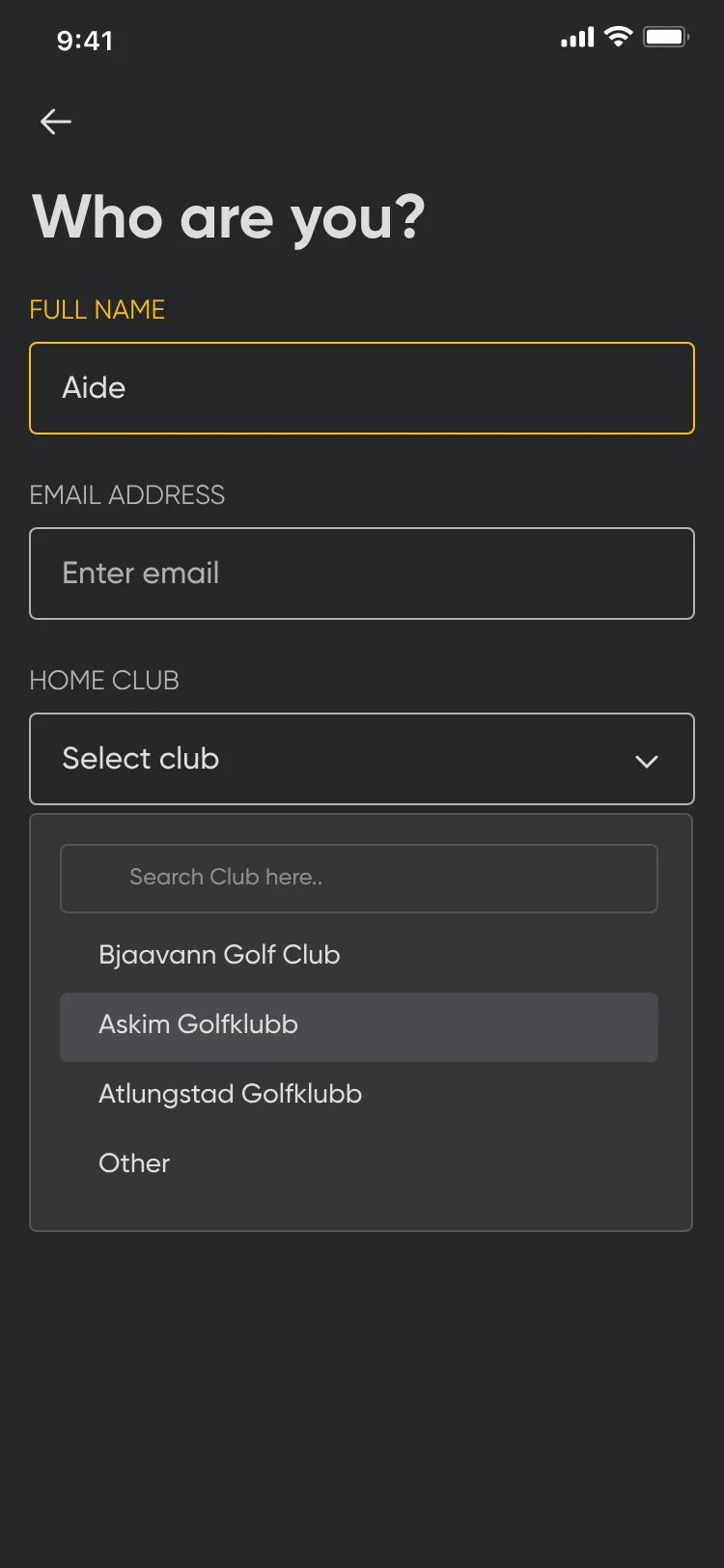
Who are you? Full name, email address and a home club picker listing Bjaavann Golf Club, Askim Golfklubb, Atlungstad Golfklubb and Other.
Name, email and home club.
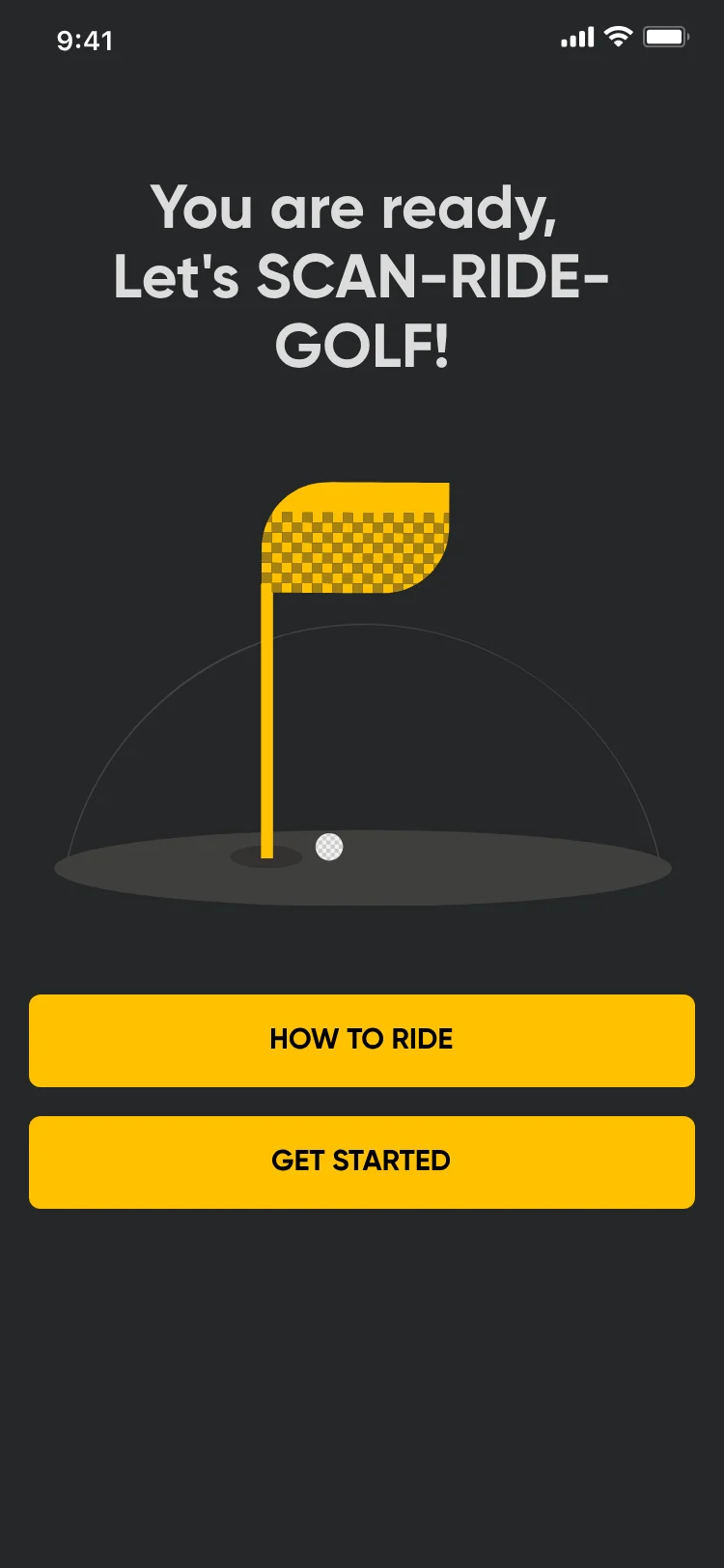
You are ready, Let's SCAN-RIDE-GOLF! with a flag illustration, How to ride and Get started.
Ready to ride.

Account

7 screens
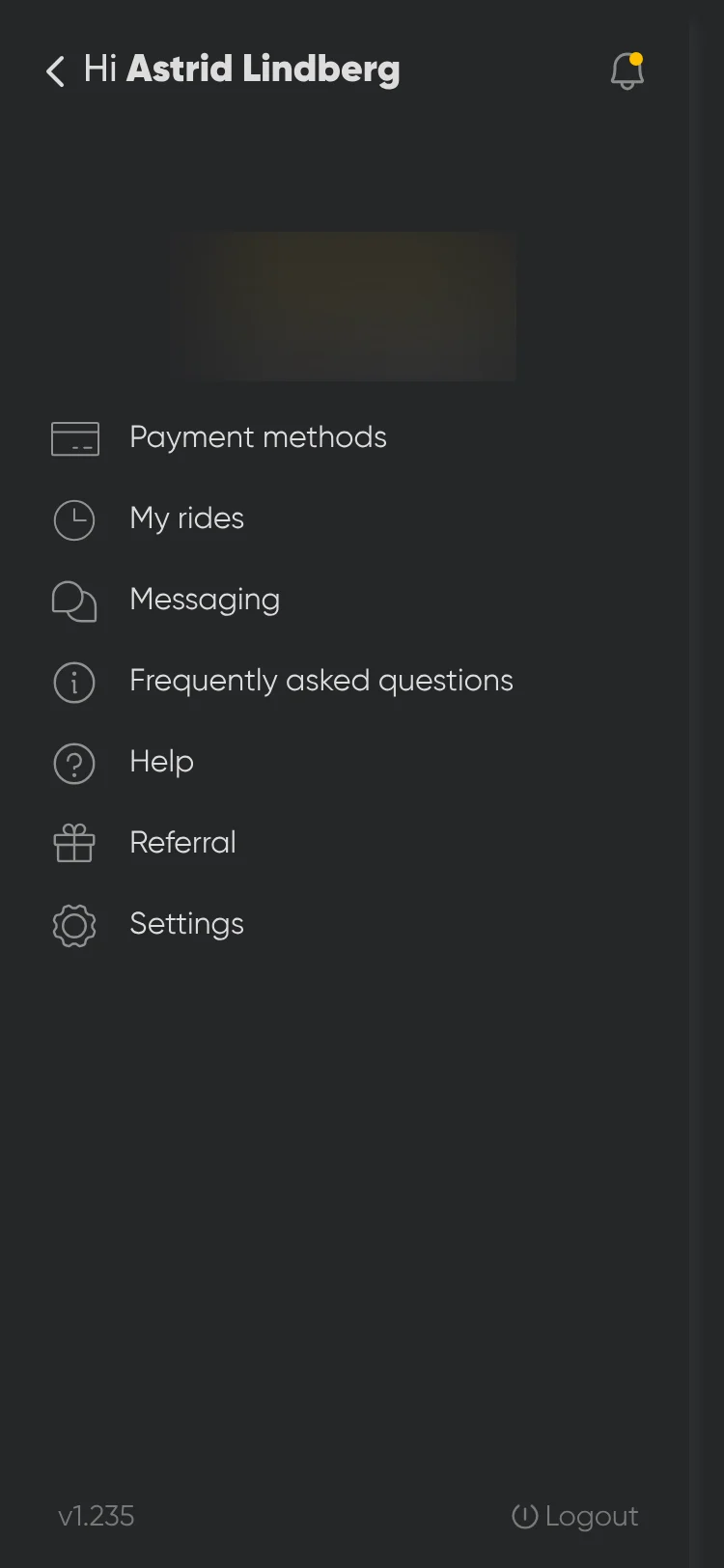
Side menu: Hi Astrid Lindberg, a notifications bell, payment methods, my rides, messaging, frequently asked questions, help, referral and settings. The logo is blurred.
Menu.
Final dark design: Payment methods with three Visa cards, one marked Default, and Debit Card / Credit Card to add another.
Payment methods.
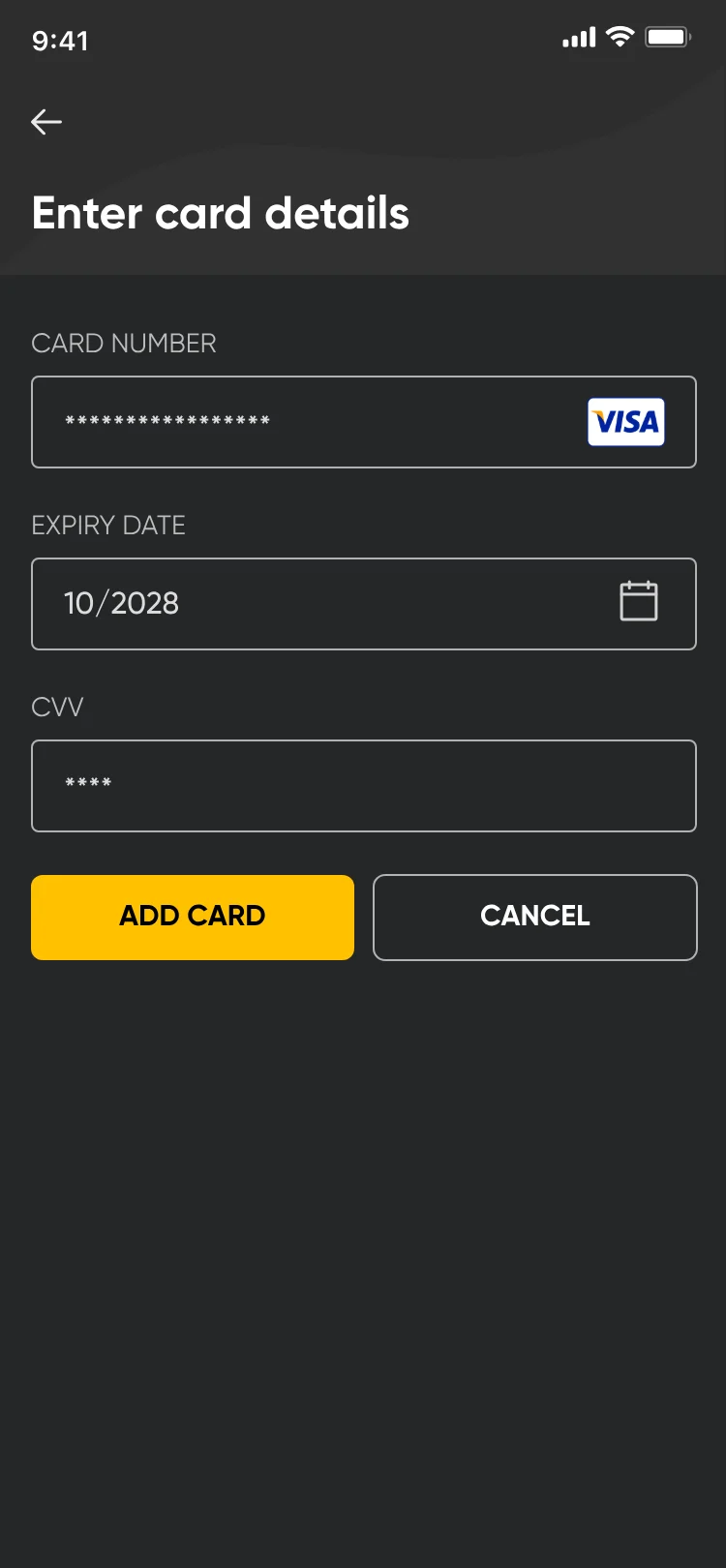
Enter card details: card number, expiry date, CVV, Add card and Cancel.
Add a card.
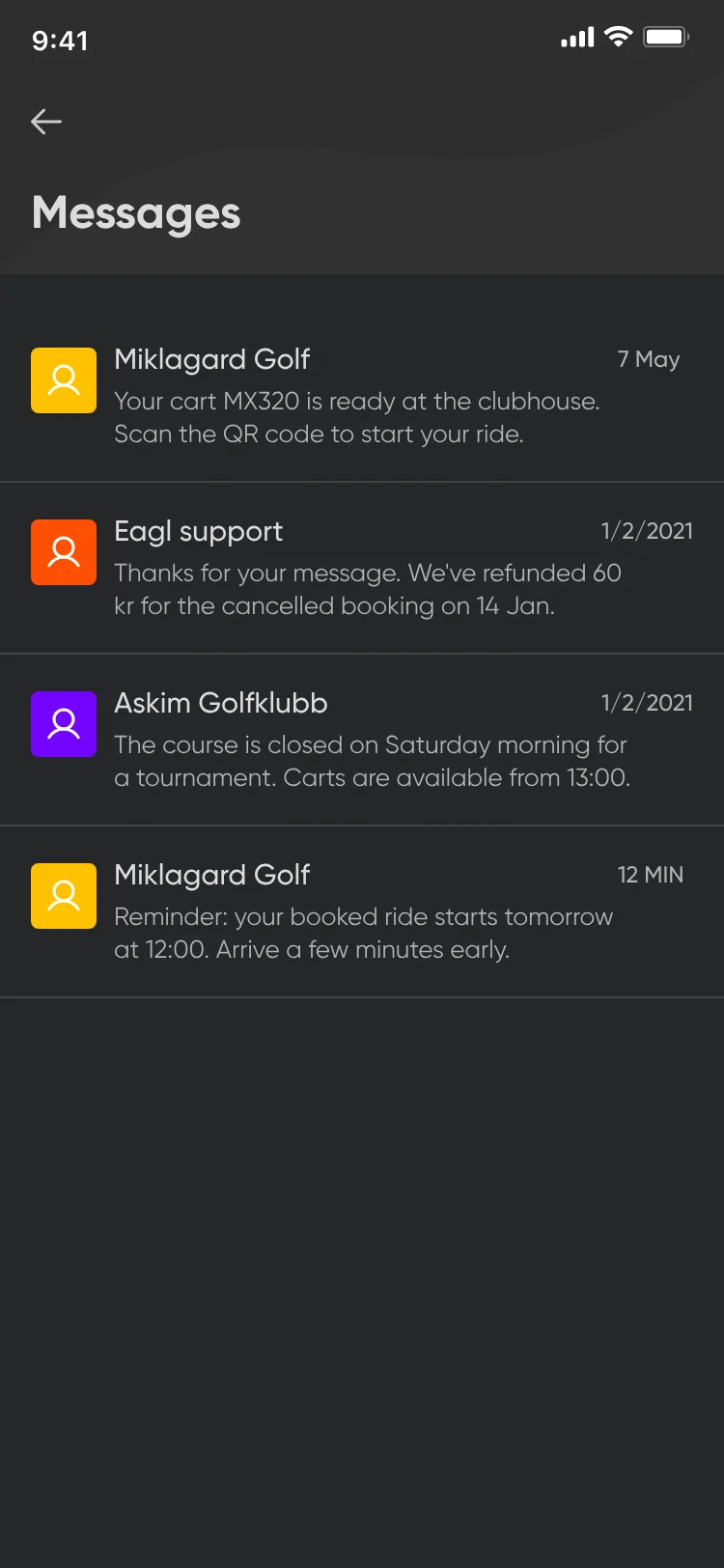
Messages: four messages from Miklagard Golf, Eagl support and Askim Golfklubb, such as a cart ready at the clubhouse and a booking reminder.
Messages.
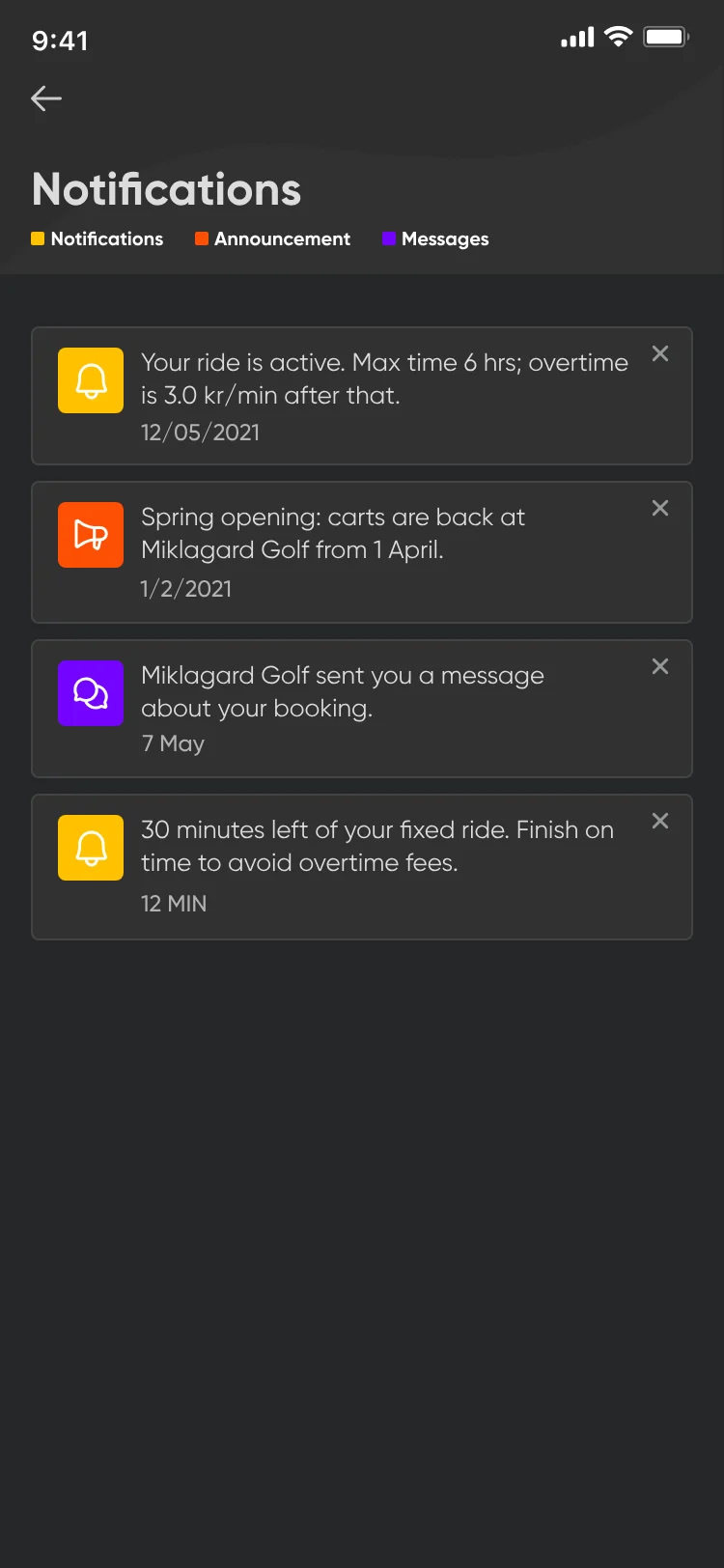
Notifications: an active-ride notice, a spring opening announcement, a message from Miklagard Golf and a 30-minutes-left reminder, each with a close button.
Notifications.
Final dark design: Settings: name Astrid Lindberg, email, phone with +47, home club Askim Golfklubb and a news and discounts toggle.
Settings.
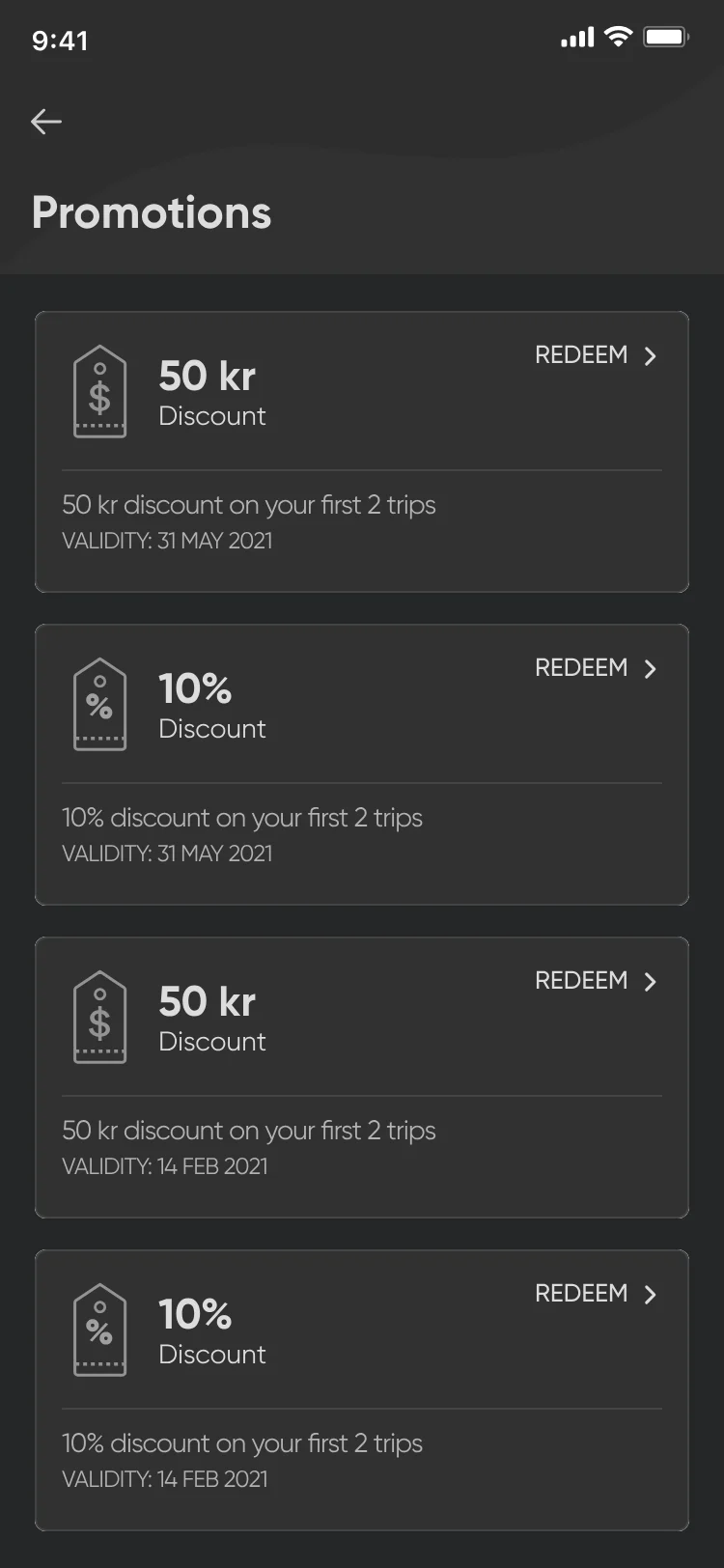
Promotions: 50 kr and 10% discount cards with validity dates and Redeem.
Promotions.

00:06 Shipped

Live on iOS and Android.

Eagl is live on iOS and Android: 4.2 from 31 ratings on the Norwegian App Store and 5K+ downloads on Google Play, as of October 2026.

“Very simple, clear, and does exactly what it should.”
App Store review, May 2023, translated from Norwegian

00:07 Reflection

One thing I’d change now.

Sheets work for short actions like payment or ending a ride. Booking turned out to be seven steps long, so I’d give it its own screens, showing how many steps there are and which one the golfer is on.

When an interaction becomes a multi-step task, it deserves its own focused flow.